Data Deletion
There may be cases where you want to remove data from Polyaxon, such as failed or test operations, user data for PII compliance, or an entire project.
You can delete data from Polyaxon by:
- Deleting individual operations (runs);
- Deleting a batch of operations;
- Deleting operations matching a query filter;
- Deleting a project and all its data;
- Deleting an organization; or
- Deleting a user account.
Deleting Operations
Deleting an operation removes all associated data including logs, artifacts, events, and metrics.
Single Operation
To delete a single operation, open its detail view and click the Delete button.
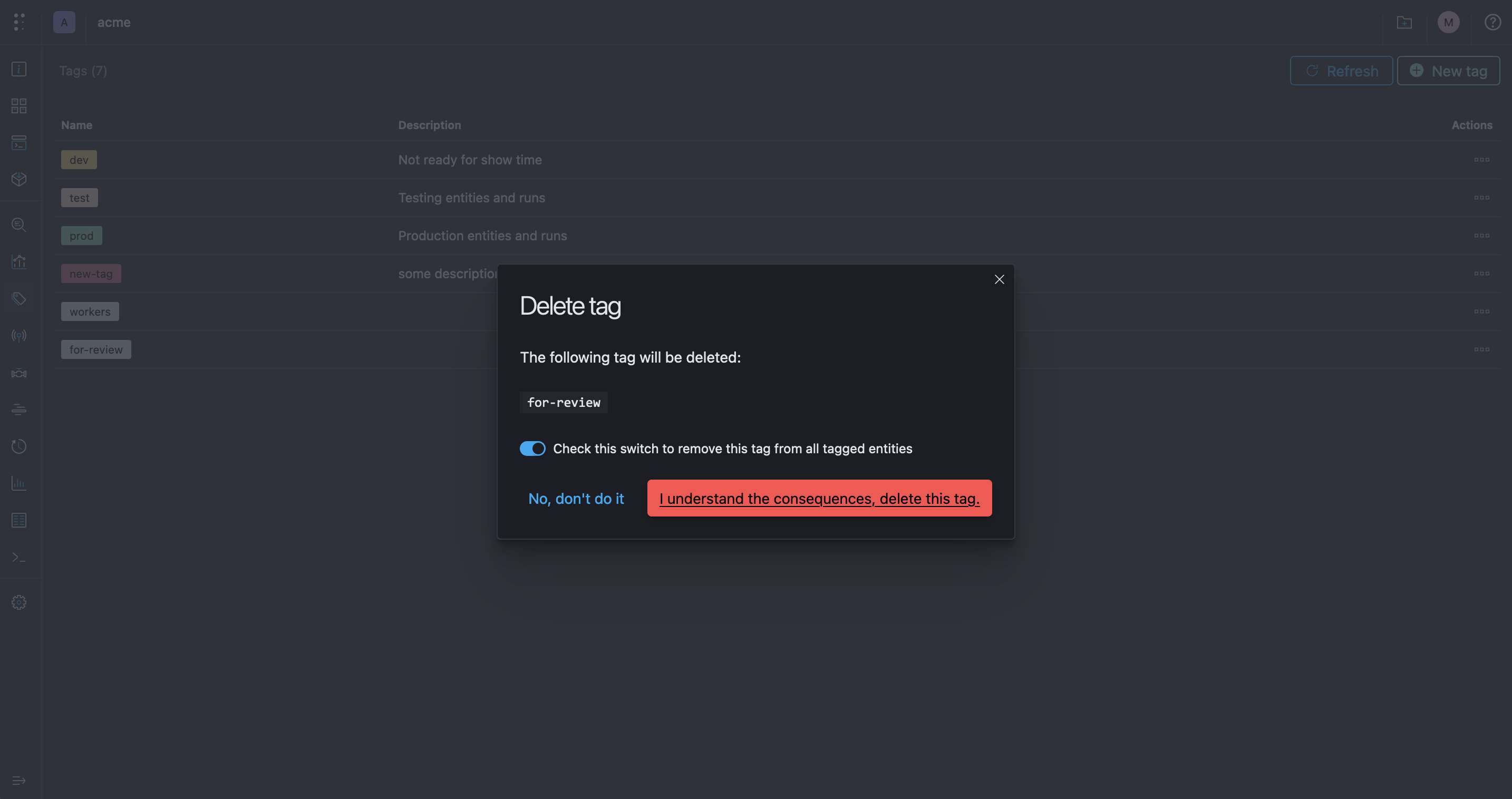
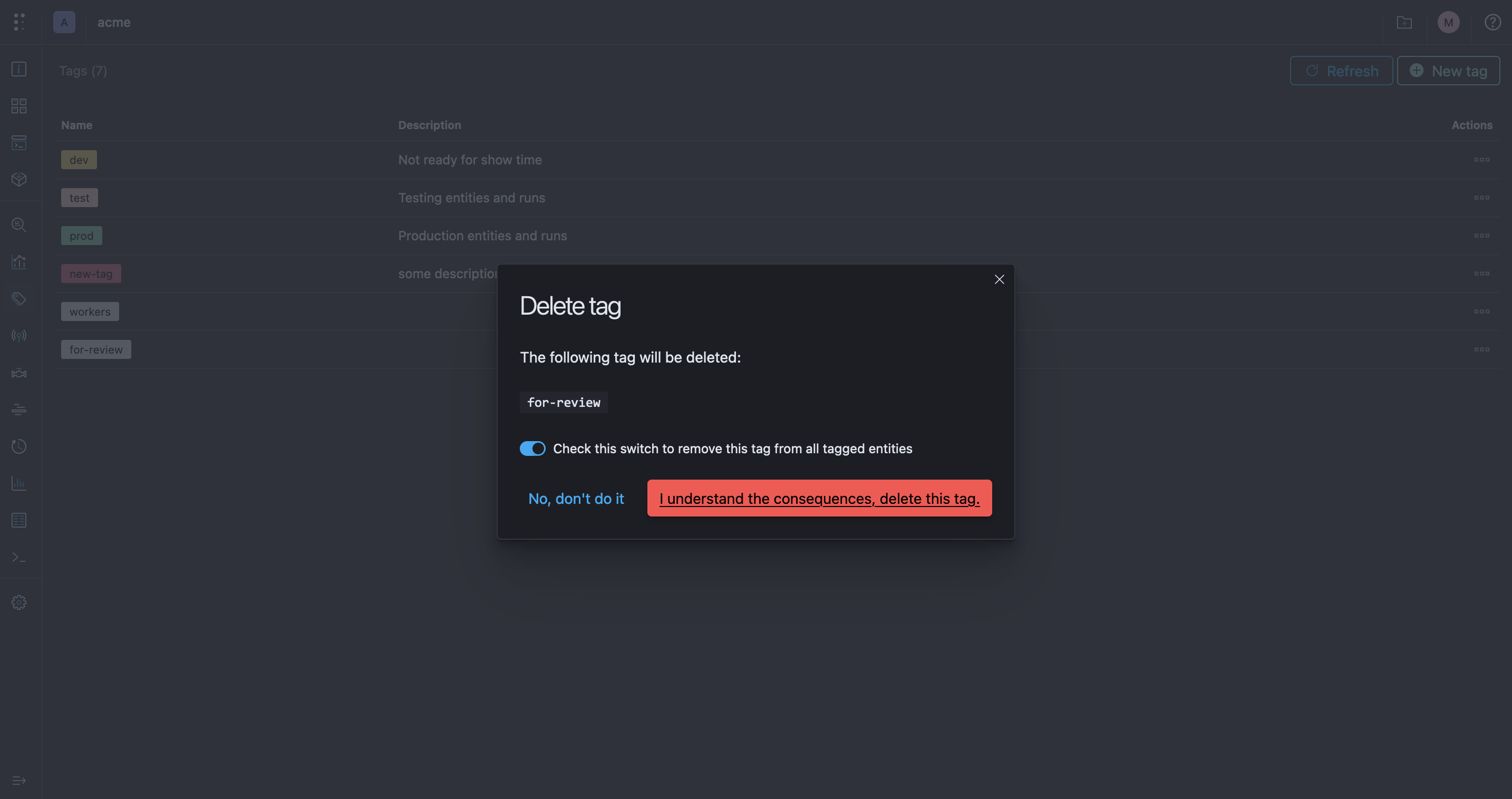
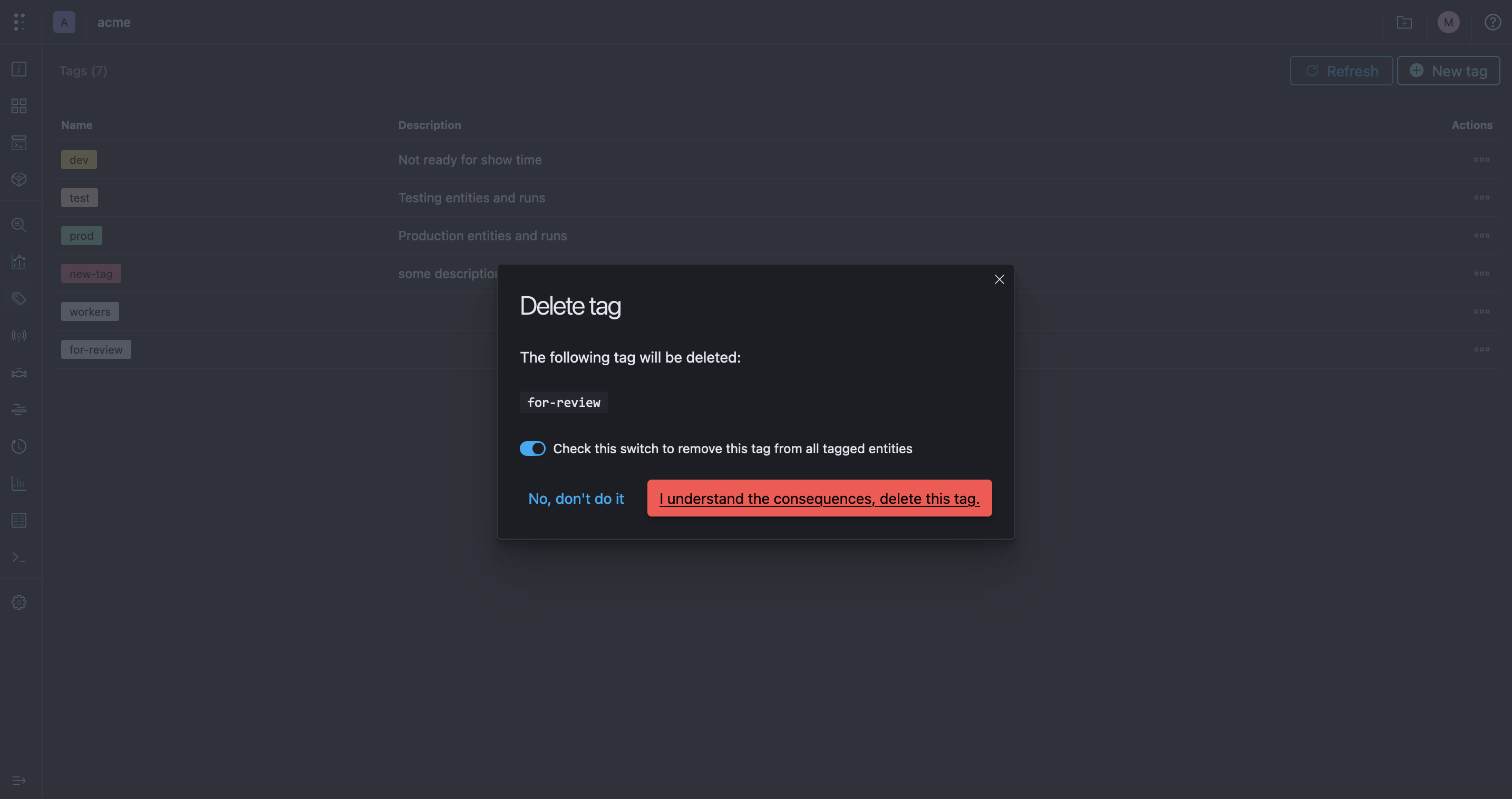
Confirm that you want to delete the operation.
polyaxon ops delete -p <project> -uid <run_uuid>from polyaxon.client import RunClient
run_client = RunClient(
owner="<owner>",
project="<project>",
run_uuid="<run_uuid>",
)
run_client.delete()DELETE /api/v1/{owner}/{project}/runs/{uuid}Batch of Operations
To delete a batch of operations, select them in the runs table and choose Delete from the Actions dropdown.
The CLI deletes one operation at a time. To delete several known UUIDs, loop over them:
for run_uuid in "<run_uuid_1>" "<run_uuid_2>"; do
  polyaxon ops delete -p <project> --uid "$run_uuid" --yes
done
from polyaxon.client import ProjectClient
project_client = ProjectClient(owner="<owner>", project="<project>")
project_client.delete_runs(["<run_uuid_1>", "<run_uuid_2>"])DELETE /api/v1/{owner}/{project}/runs/delete
Content-Type: application/json
{
"uuids": ["<run_uuid_1>", "<run_uuid_2>"]
}Delete by Query
To delete all operations matching a filter, configure your desired filter in the runs table.
Select all items and choose Delete from the Actions dropdown.
The CLI does not expose a direct query-delete option. List matching operations, then delete each returned UUID:
polyaxon ops ls -p <project> --query "status:failed" --output json
polyaxon ops delete -p <project> --uid <matched_run_uuid> --yes
The Python client can list matching operations and delete them in batches. Fetch from offset 0 again after each deletion because the result set shrinks:
from polyaxon.client import ProjectClient

project_client = ProjectClient(owner="<owner>", project="<project>")

while True:
    runs = project_client.list_runs(
        query="status:failed",
        limit=100,
        offset=0,
    )
    if not runs:
        break
    project_client.delete_runs([run.uuid for run in runs])
The API does not provide a direct delete-by-query endpoint. Paginate through the filtered list, then send the returned UUIDs to the batch-delete endpoint:
GET /api/v1/{owner}/{project}/runs?query=status%3Afailed&limit=100&offset=0DELETE /api/v1/{owner}/{project}/runs/delete
Content-Type: application/json
{
"uuids": ["<matched_run_uuid_1>", "<matched_run_uuid_2>"]
}Deleting a Project
To delete a project, navigate to the project settings and scroll to the Danger Zone section.
Confirm that you want to delete your project.
polyaxon project delete -p <project>from polyaxon.client import ProjectClient
project_client = ProjectClient(owner="<owner>", project="<project>")
project_client.delete()DELETE /api/v1/{owner}/{project}Deleting a project is irreversible. All operations, artifacts, and associated data will be permanently removed.
Deleting an Organization
To delete an organization, navigate to the organization settings and scroll to the Danger Zone section.
All projects must be deleted before the organization can be removed.
The organization and all associated data will be permanently deleted.
from polyaxon.client import PolyaxonClient

client = PolyaxonClient()
client.organizations_v1.delete_organization("<owner>")
DELETE /api/v1/orgs/{owner}Deleting a User Account (Cloud)
Users can delete their own account from the Account Settings page.
If you are the sole owner of an organization, you must first transfer ownership to another user or delete the organization before you can delete your account.
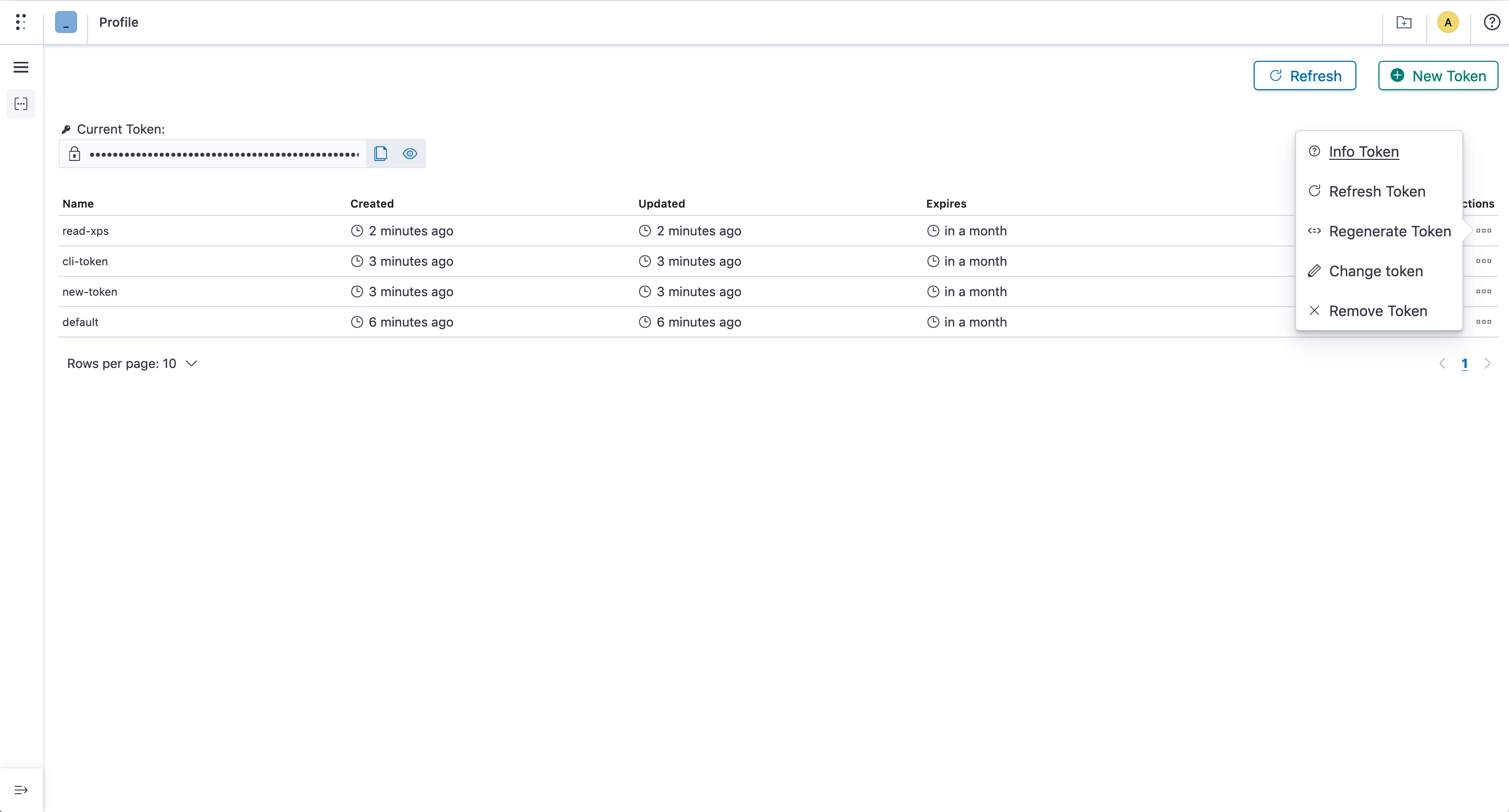
Account deletion is currently available through the Cloud UI only. The public CLI, Python client, and REST API do not expose an account-deletion operation.
Deleting a User Account (Self-Hosted)
Removing a user from an organization is available through the UI, Python client, and API:
Organization owners can remove users from the organization members settings.
from polyaxon.client import OrganizationClient

organization_client = OrganizationClient(owner="<organization>")
organization_client.delete_member("<username>")
DELETE /api/v1/orgs/{owner}/members/{name}Removing organization membership does not delete the user's global account. Complete self-hosted account deletion is not exposed through the public CLI, Python client, or REST API; instance administrators should follow the supported administration procedure for their deployment.