Data Retention
- Cloud Platform(Partial)(Partial)
- Cloud Teams
- Cloud Enterprise
- Self-hosted Community(Not Available)(Not Available)
- Self-hosted Business
- Self-hosted Enterprise
Polyaxon provides two types of data retention:
- Archived operations: Configurable retention period for archived operations and their associated data.
- Activity logs: Retention period based on your plan.
Archived Operations Retention
Polyaxon only deletes operations that have been archived. Active operations are never affected by retention policies.
When an operation is archived and falls outside the configured retention period, Polyaxon deletes it along with all associated data (logs, artifacts, events, metrics).
Configuration
Archived operations retention can be configured at two levels:
- Organization level: Sets the default retention period for all projects in the organization.
- Project level: Overrides the organization default for a specific project.
Organization owners and admins can configure the organization-level retention in the Organization Settings. Project owners and admins can override it in the Project Settings.
By default, Polyaxon stores archived operations indefinitely. Retention only applies when explicitly configured.
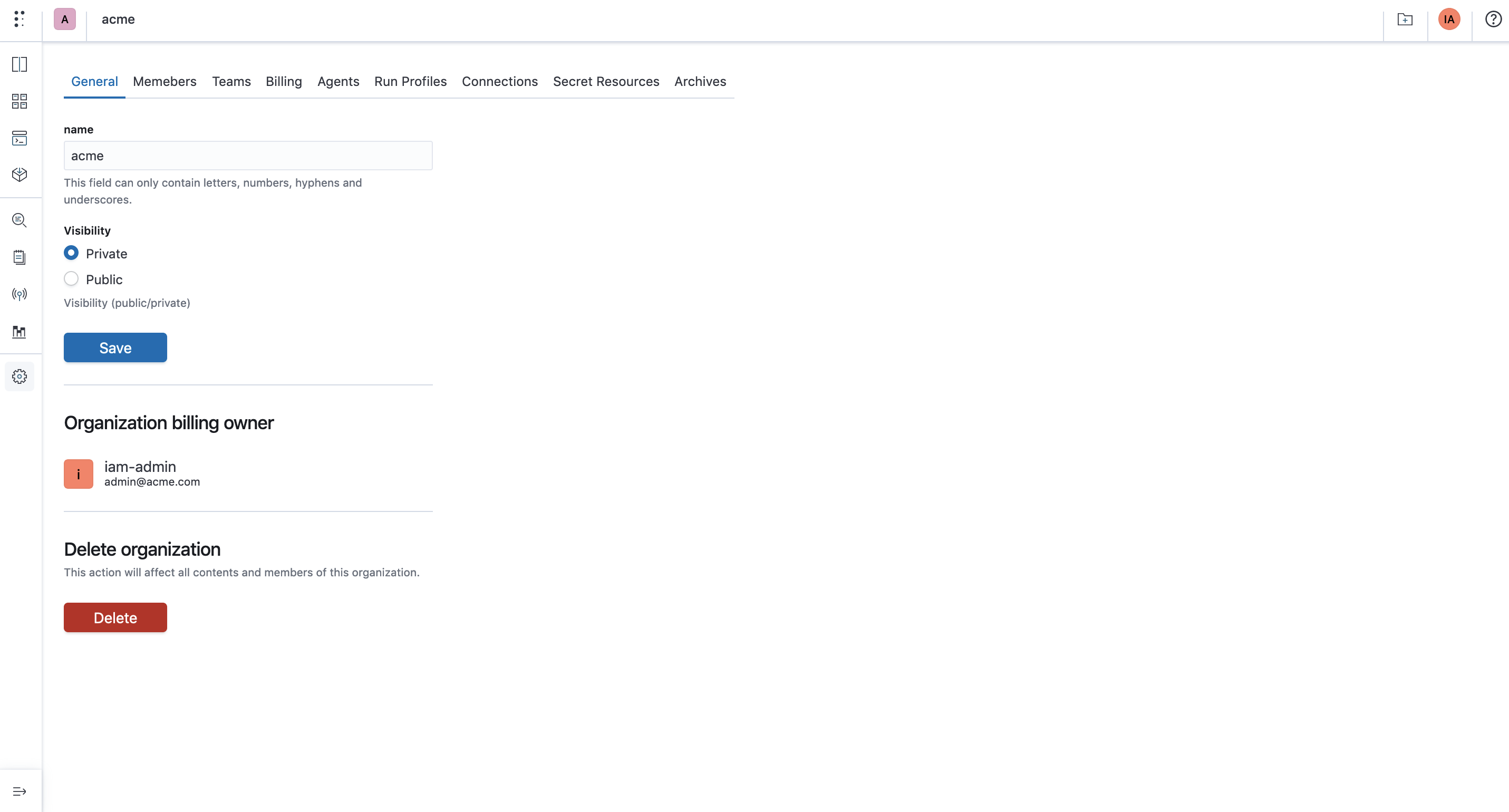
Retention can also be configured via the API.
Details
On a scheduled basis, Polyaxon selects archived operations that are older than the configured retention period and deletes them along with all associated data.
The operation's created_at timestamp is used to determine whether it falls outside the retention window.
Deleted data cannot be recovered.
The retention policy applies to the archived operation and all its associated data. For example, if a model version references an operation that is deleted by the retention policy, the reference will point to a non-existent operation.
Activity Logs Retention
Activity logs (audit logs, system events) have a retention period determined by your plan:
| Plan | Activity Logs Retention |
|---|---|
| Cloud Platform | N/A |
| Cloud Teams | 3 months |
| Cloud Enterprise | Custom |
| Self-hosted Community | N/A |
| Self-hosted Business | Deployment-configured |
| Self-hosted Enterprise | Custom |
Self-hosted Instances
To use the Data Retention feature in a self-hosted environment, Polyaxon needs delete permissions on the configured artifacts store:
- S3: Grant
s3:DeleteObjectto the Polyaxon IAM role on the configured buckets (see artifacts connections). - GCS: Grant
storage.objects.deletepermission on the configured buckets. - Azure Blob Storage: Grant the
Storage Blob Data Contributorrole on the configured containers.
If you use versioned buckets, delete markers and non-current versions need to be removed manually or with a lifecycle rule.