Overview
A Component is the abstraction that defines the runtime in Polyaxon, it can:
- have multiple versions.
- be published publicly or privately within your organization.
- define team level permissions.
- can have multiple versions, similar to docker images, to avoid breaking old experiments and workflows.
Component project creation
In order to store multiple related versions of a Polyaxonfile, users can create a project that enables only the component feature:
In acme > Add > New project, turn on Enable versioning and select component. For a project dedicated to component versions, turn off Enable runtimes and leave the other version types unchecked.

Alternatively you can create a project using the CLI:
polyaxon project create --name OWNER_NAME/COMPONENT_NAME --description ... --tags tag1,tag2,...For an existing project, open Settings > Features, keep Enable features on, and select component. Turn off Enable runtimes if the project only stores versions, then click Save. The dedicated acme/tensorboard component hub uses this configuration.

Component overview
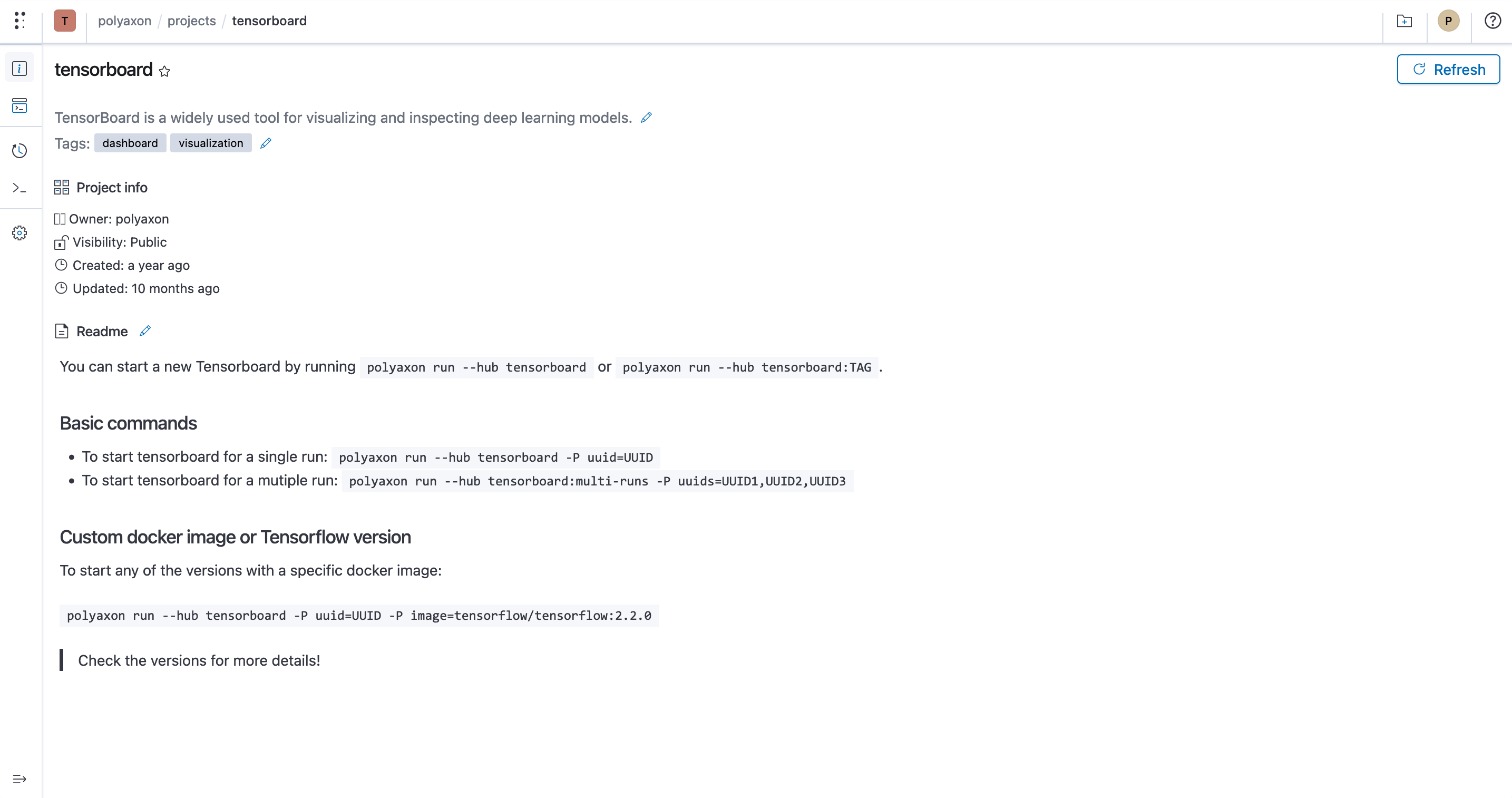
You can view a component overview using the project CLI or UI.
CLI
polyaxon project get -p OWNER_NAME/COMPONENT_NAMEUI
This example uses acme/tensorboard, which stores pinned TensorBoard component definitions with runtimes disabled.
Component project versions
CLI
polyaxon components ls -p OWNER_NAME/PROJECT_NAME --query ... --sort ...UI

Component project admin
CLI
Updating
polyaxon project update -p ...Deleting
polyaxon project delete -p ...You can manage a component using the UI, you can also manage who can contribute and have access to the component and its versions
