Overview
A Model is a project that manages several versions of a model asset created in Polyaxon or other system, it can:
- have multiple versions.
- be published publicly or privately within your organization.
- define team and project level permissions.
Model project creation
You can version your models in each project or create a project to manage models from multiple projects using the CLI, API, or the UI.
In acme > Add > New project, turn on Enable versioning and select model. For a project dedicated to model versions, turn off Enable runtimes and leave the other version types unchecked.

Alternatively you can create a project using the CLI:
polyaxon project create --name OWNER_NAME/MODEL_NAME --description ... --tags tag1,tag2,...For an existing project, open Settings > Features, keep Enable features on, and select model. Turn off Enable runtimes if the project only stores versions, then click Save. The dedicated acme/image-classifier registry uses this configuration.

Model overview
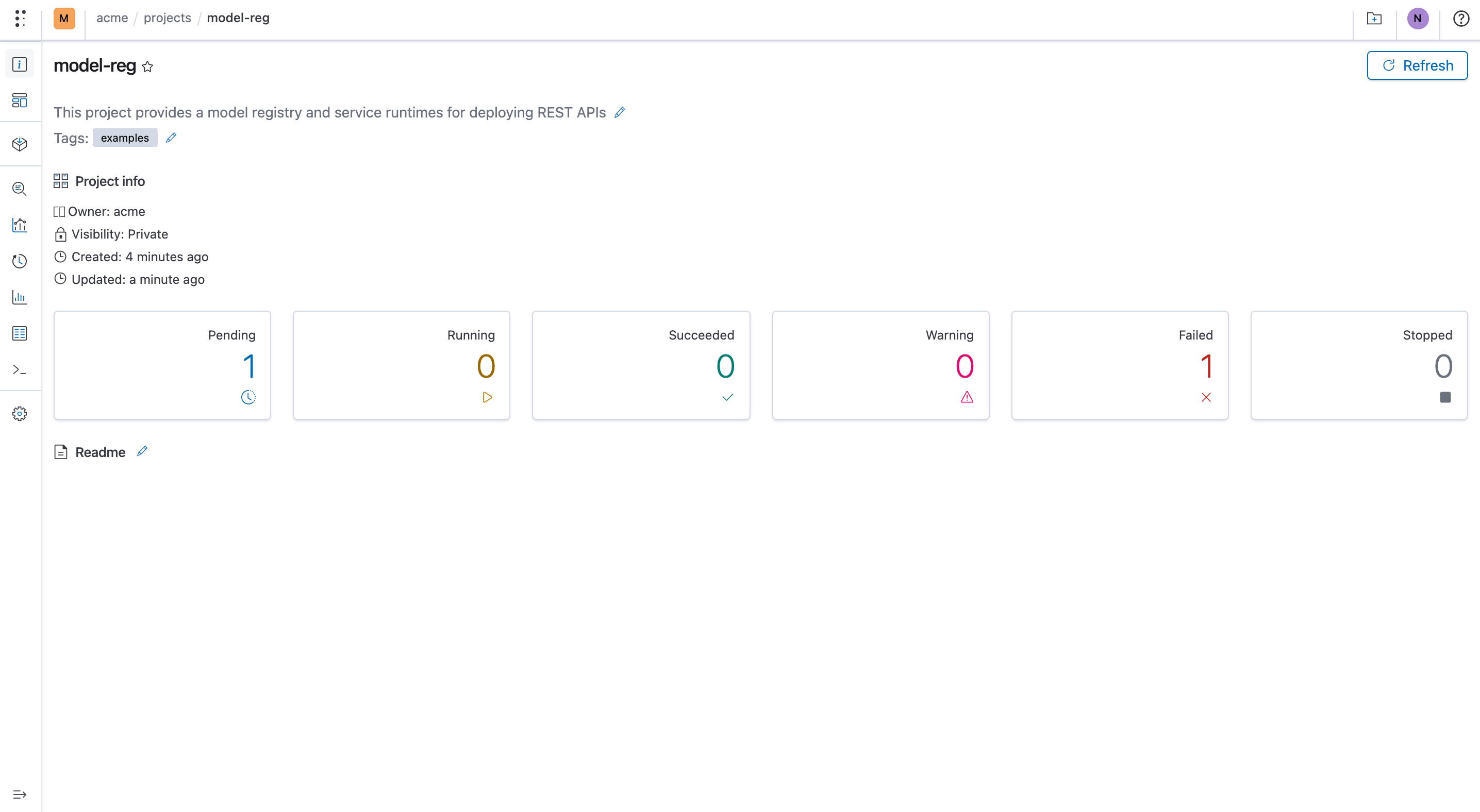
You can view a model overview using the project CLI or UI.
CLI
polyaxon project get -p OWNER_NAME/MODEL_NAMEUI
This example uses acme/image-classifier, which stores trained model releases with runtimes disabled.
Model versions
CLI
polyaxon models ls -p OWNER_NAME/MODEL_NAME --query ... --sort ...UI

Model admin
CLI
Updating
polyaxon project update [-p] [-ver]...Deleting
polyaxon project delete [-p] [-ver]...UI
You can manage a project(model) using the UI, you can also manage who can contribute and have access to the project and the model versions, as well as from which projects users are allowed to promote runs
