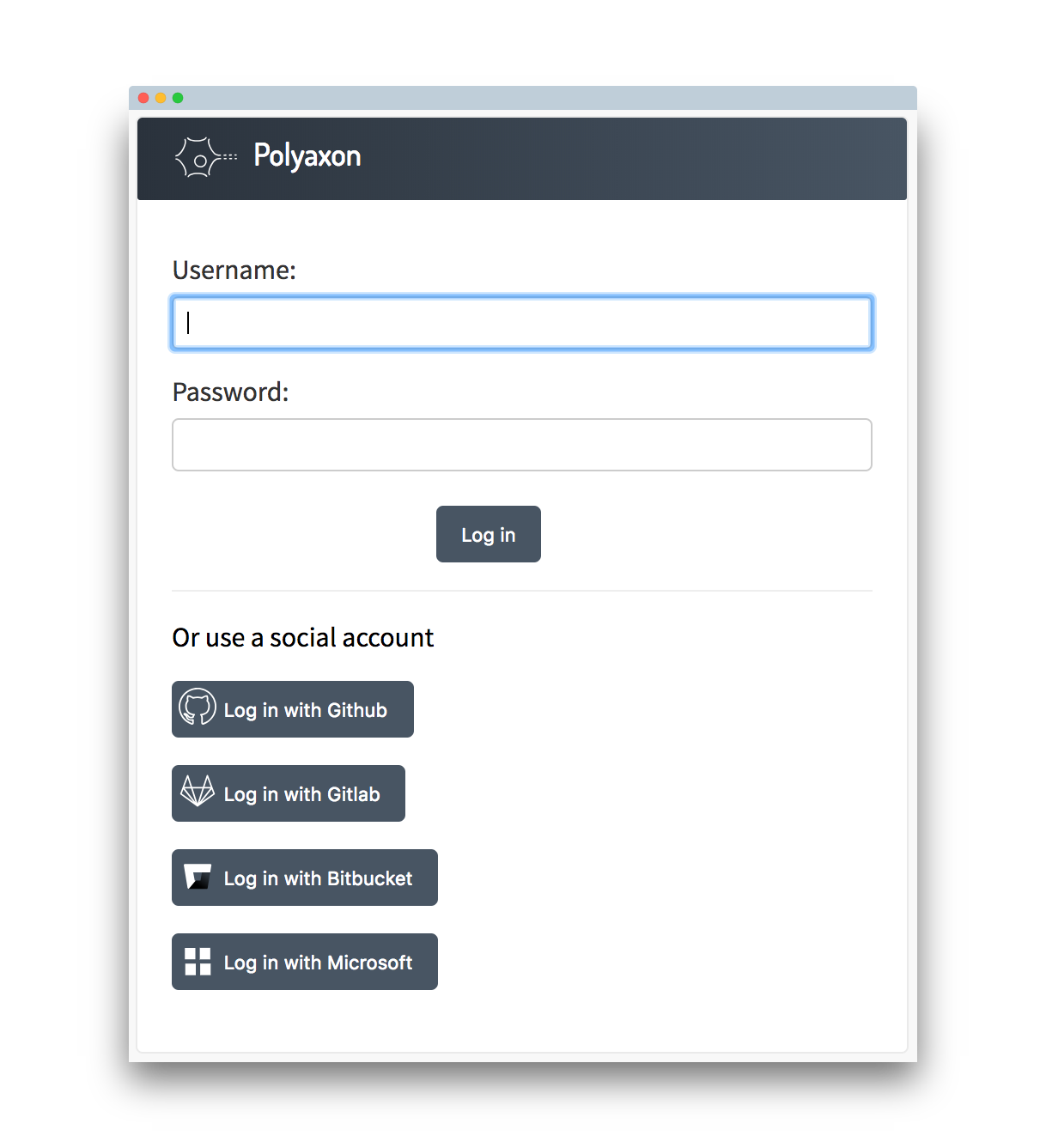
Single Sign-On (or SSO) allows you to manage your organization’s entire membership via a third party provider.
Behaviour
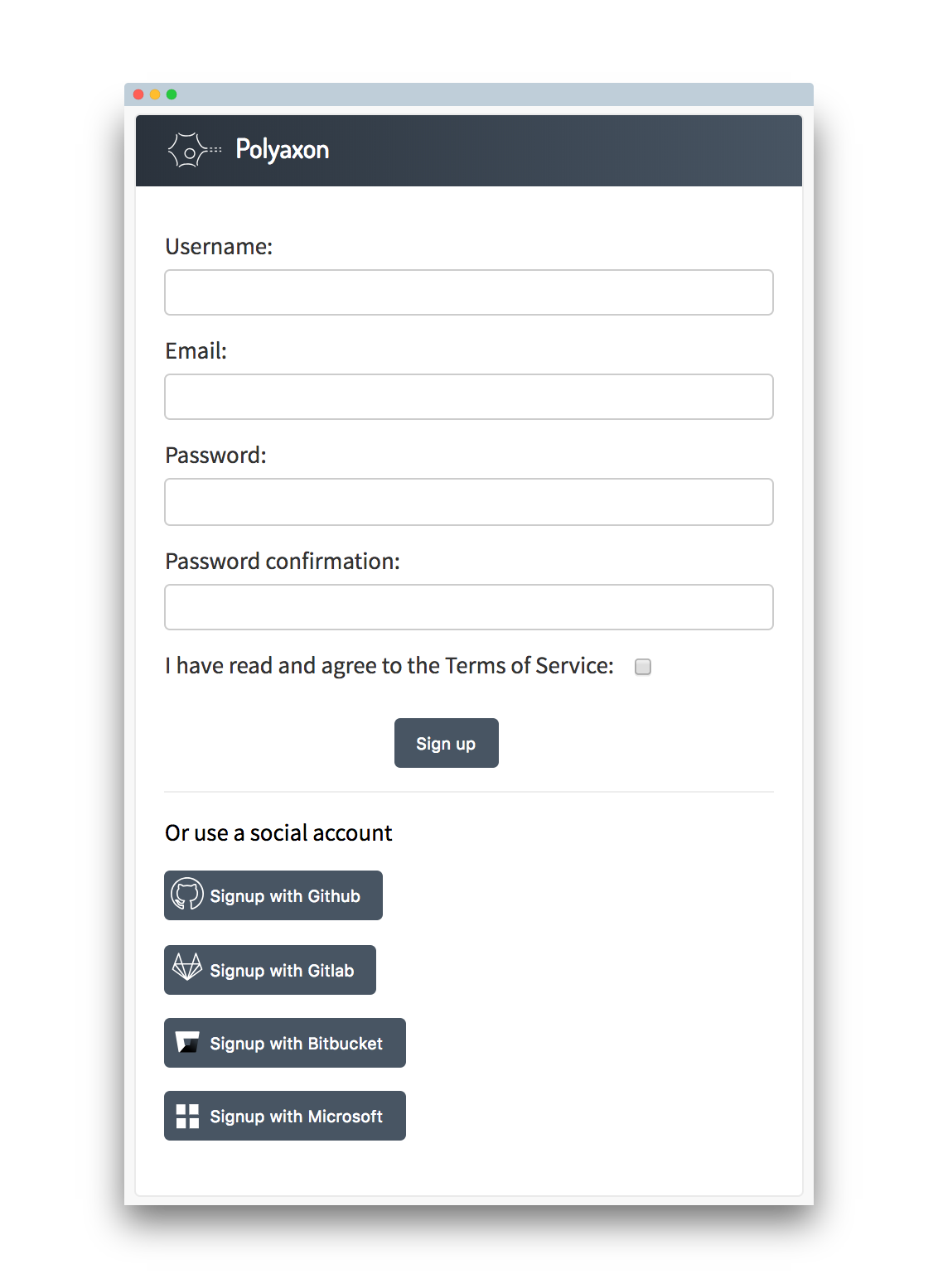
Supports multiple authentication schemes:
- Signup/login with username/e-mail and password
- Signup/Login with GitHub accounts
- Signup/Login with GitLab accounts
- Signup/Login with Bitbucket accounts
- Signup/Login with Microsoft (Office 365, Azure) accounts
- Connecting more than one social account to an account based on email/username
Default Membership
Every member who creates a new account via SSO will be inactive, and can access to the platform with a user role after activation by a superuser.
Providers
GitHub
You need to register a new application on GitHub.
You should provide a callback URL: [Domain/IP]/sso/github
And use your client id and secret token using the settings page (auth section).
Please see this section for more details.
GitLab
You need to register a new application on GitLab.
You should provide a callback URL: [Domain/IP]/sso/gitlab
And use your client id and secret token using the settings page (auth section). If you have an on-premise GitLab installation you can additionally provide your GitLab url.
Please see this section for more details.
Bitbucket
You need to register a new application on bitbucket.
You should provide a callback URL: [Domain/IP]/sso/bitbucket
And use your client id and secret token using the settings page (auth section).
Please see this section for more details.
Microsoft (Azure)
You need to register a new application on Azure.
You will need to provide a reply URL: [Domain/IP]/sso/azure
And use your client id and secret token using the settings page (auth section).
Signup/Login
Once you set one or all of these providers your users will be able to signup/login based on any of these providers.
Signup page
Login page