Tracking & VisualizationsCSV/TSV/Dataframe Auto-Rendering
Polyaxon & CSV/TSV/Dataframe Auto-Rendering
How to use Polyaxon and CSV/TSV/Dataframe Auto-Rendering together
 +
+
Polyaxon UI comes with an auto-rendering for CSV/TSV/Dataframe files in the artifacts tab.
Note: Requires CE or Agent v1.16.0 or higher
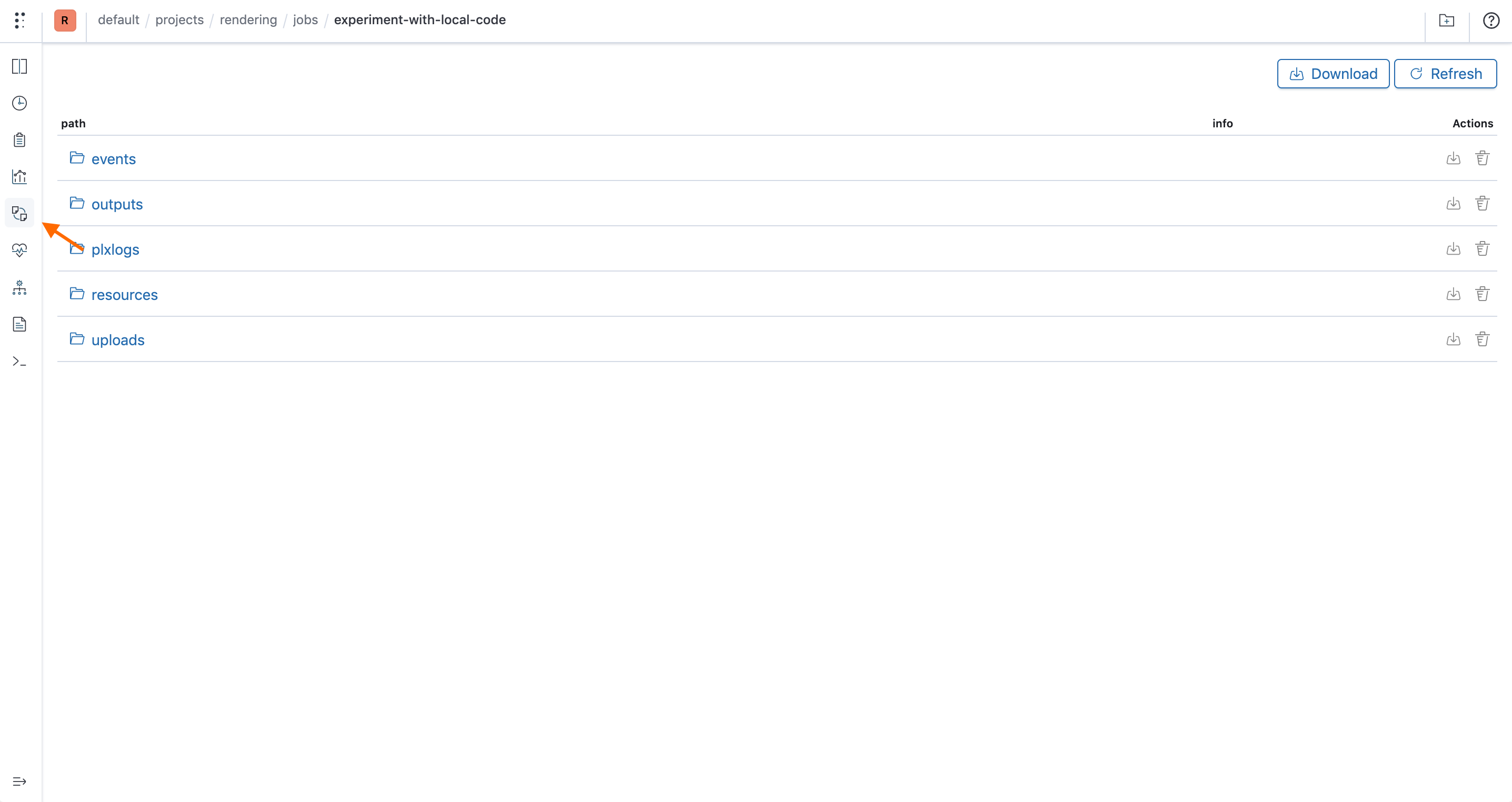
Go to the artifacts tab
The Artifacts tab allows users to organize files, events, logs, models, outputs, ... from their runs that can be natively rendered in Polyaxon UI!
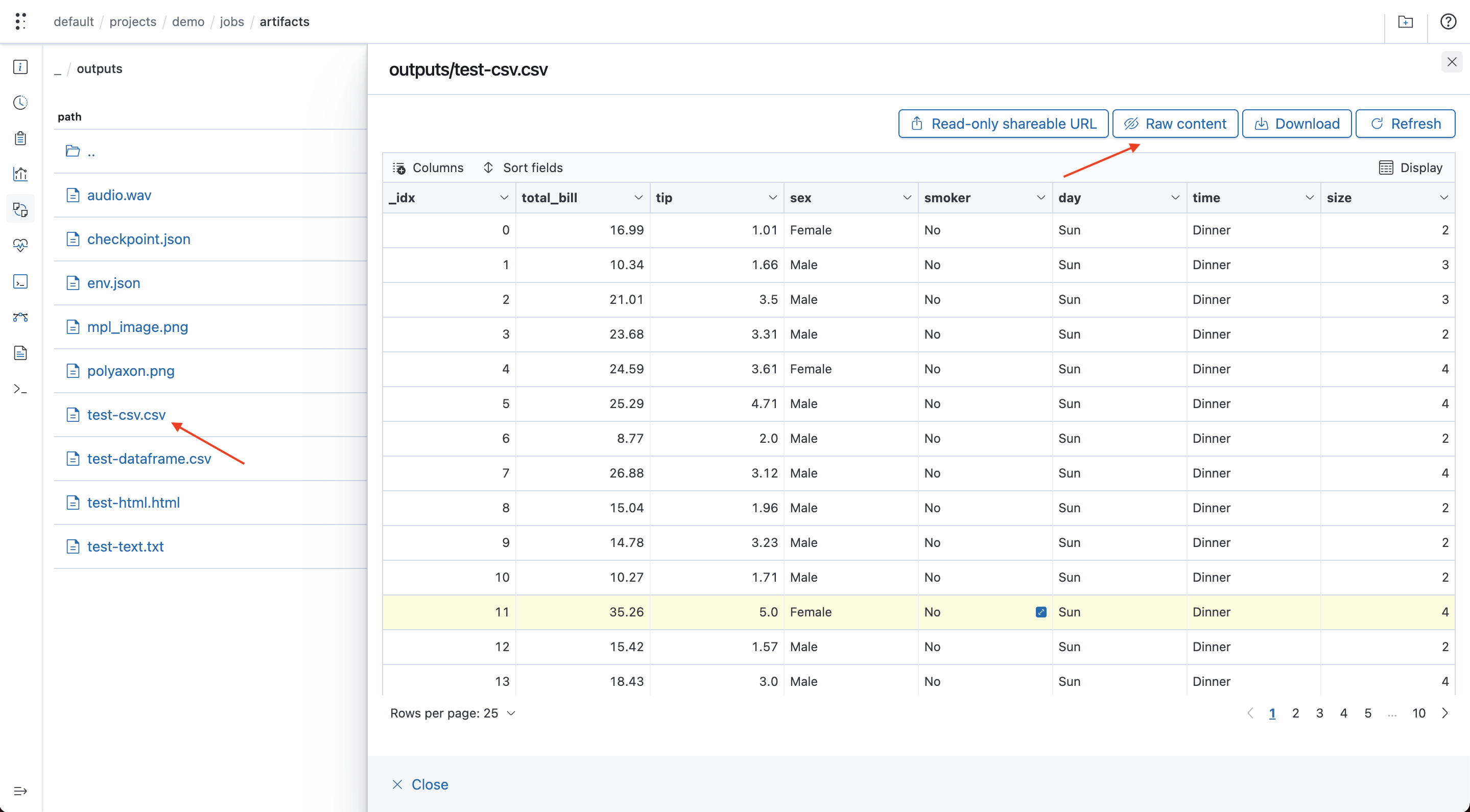
If your job or experiment generate or has a file that follows a data separate values format, you can navigate to the artifacts tab to visualize it:
Visualize the file
If you click on any csv file, Polyaxon will attempt at rendering the file inside the UI:
View raw content
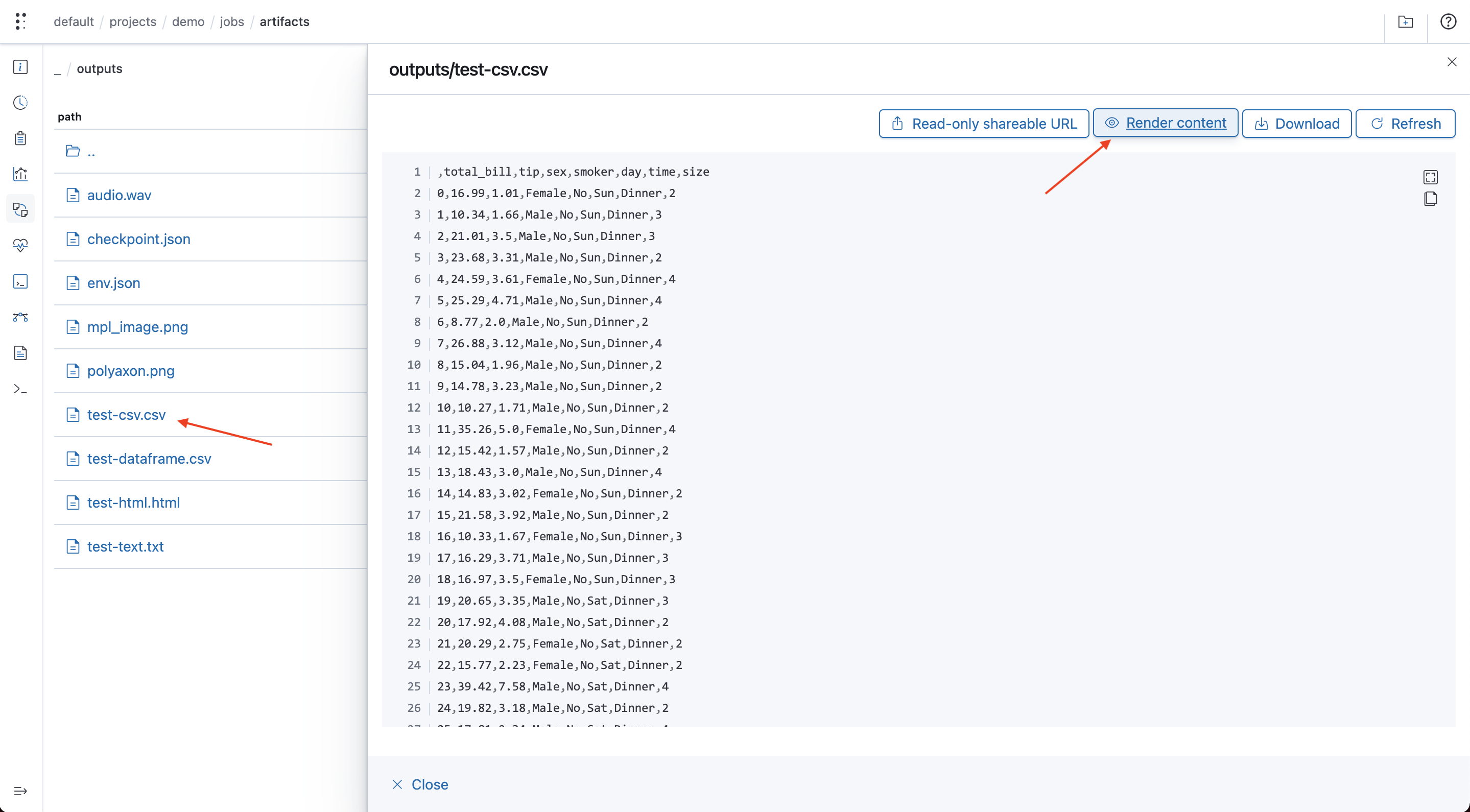
You can also view the raw content which is rendered in a text editor:
Polyaxon event files
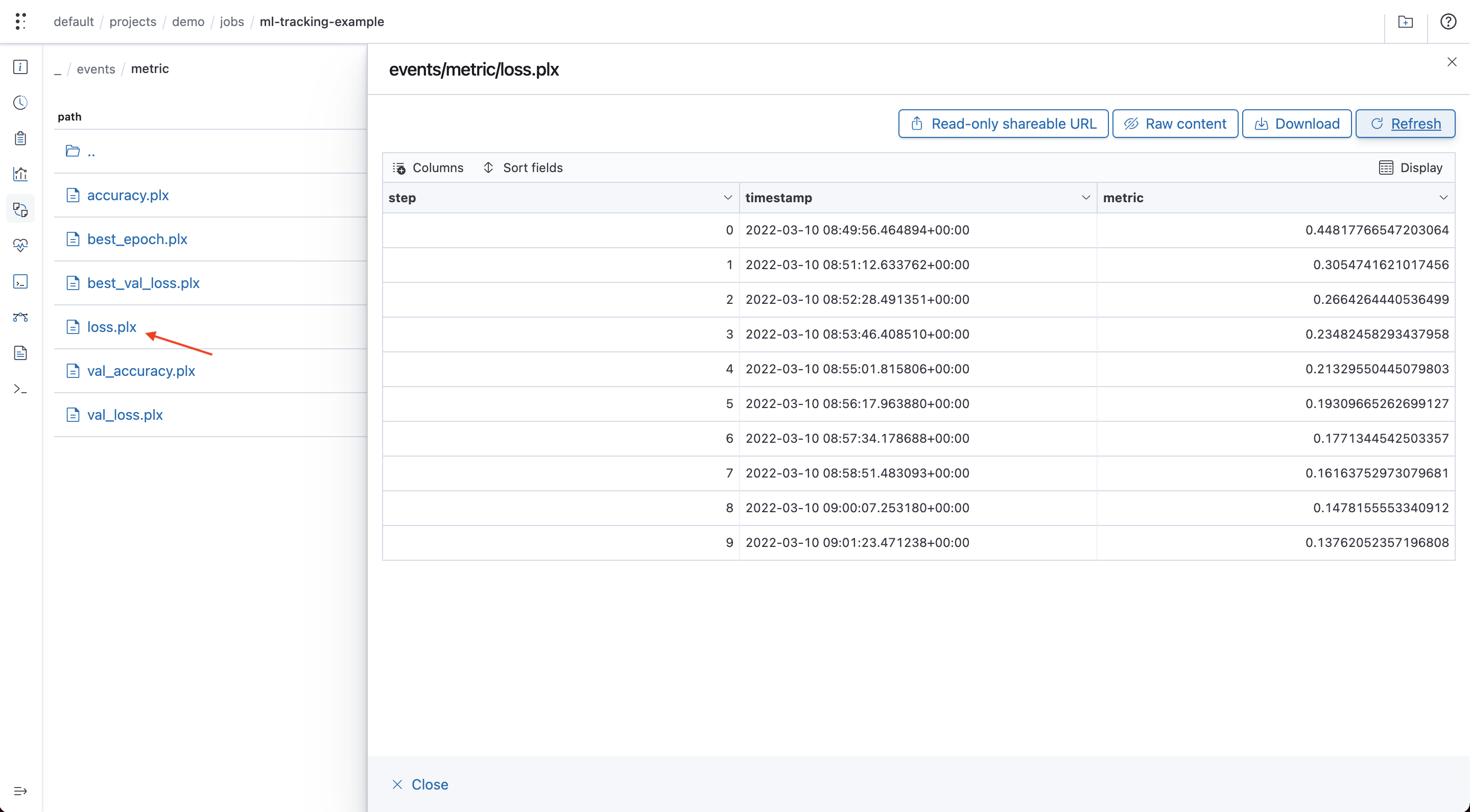
Polyaxon UI will automatically render any event file as well, i.e. files with .plx extension: