This is part of our commercial offering.
Polyaxon provides a queue abstraction to:
- Prioritize operations on a queue.
- Throttle the number of operations on a queue.
- Route operations on a queue to a namespace or cluster.
- Limit the number of operations queued from a single workflow or nested workflows.
Every agent (compute cluster) comes with a default queue.
Create queues
Open an agent under Infra > Agents, select its Queues tab, and choose New Queue. Administrators can set the name, description, tags, priority, and concurrency.

You can also attach a quota to a queue

Note: The quota field accepts any resource format supported by Kubernetes e.g. (5Gi, 0.5m, 1000, ...)
Manage queues
You can list, review, and manage all queues for each agent.
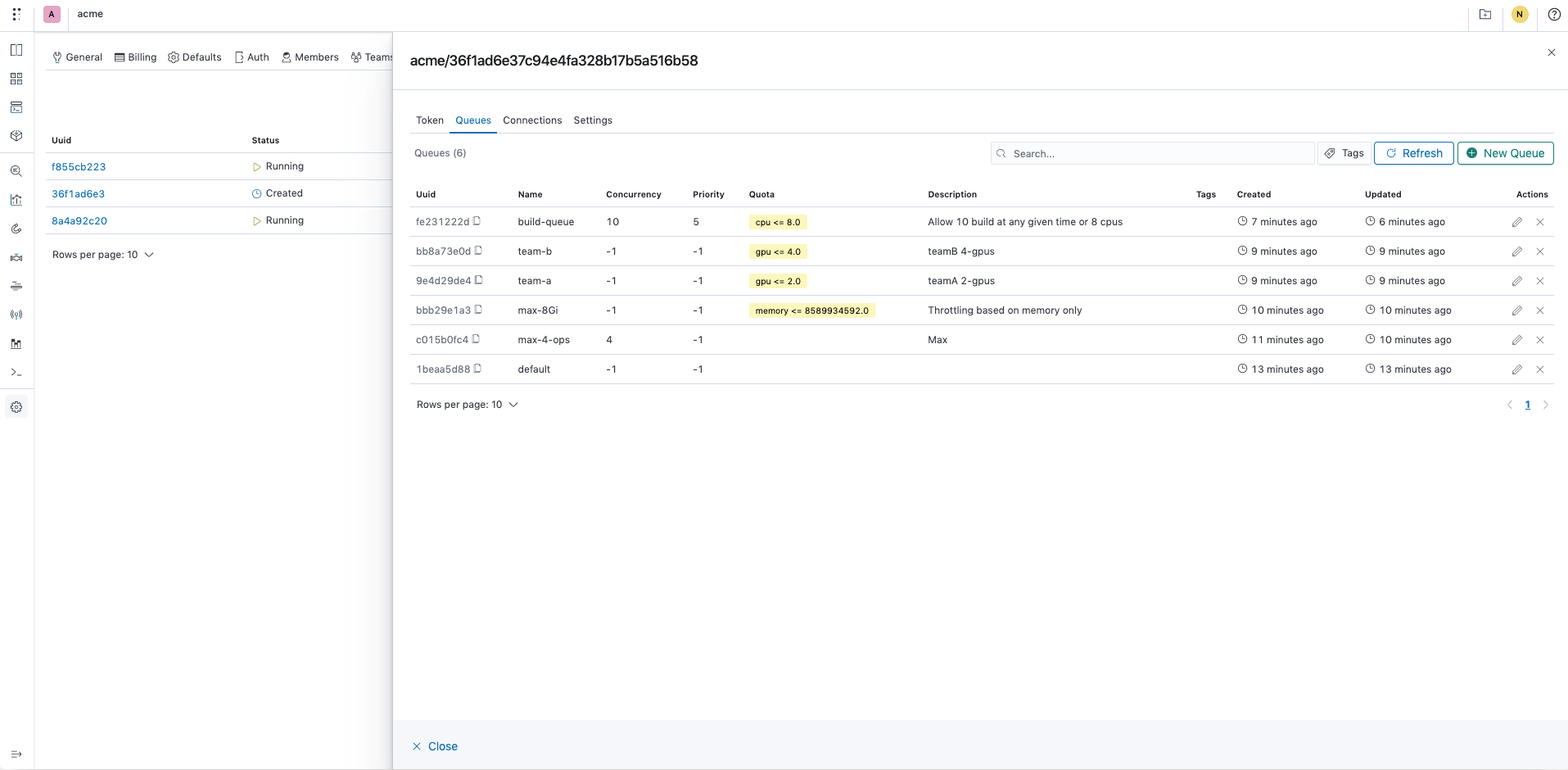
Queue settings
You can update or delete a queue.

Queues viewer
Open Infra > Queues to view available queues across the organization, including their agent, user, priority, and concurrency.

Queues usage
They can also view details on how to use them in their workload.

Global or per project queues
Managers and Admins of Polyaxon organizations and projects can set a default queue that gets applied to all runs under the organization or the project.
Setting the organization's default queue under Settings > Defaults:

Setting a project's default queue under Settings > Defaults:

Restricting queues accessible by a project:
