This is part of our commercial offering.
Users with the owner or manager role can create service accounts to issue organization's level tokens for CI(Continuous Integration)/CD(Continuous Delivery)/CT(Continuous Training):
- Service accounts are not tied to a specific user and do not use any user's API tokens.
- Each service account can have one or multiple tokens with different expiration configuration.
- Each token can be refreshed, regenerated or deleted.
- All tokens will inherit the same scopes and access rules of the service account they are linked to.
- All activities generated by the tokens will link back to the service account they belong to in the activity logs or the runs table.
Create service account
Open Settings > Service accounts and select New Service Account to set a name, description, and tags.

Enable Restrict scopes to select the scopes granted to the service account. The example below shows the form before submission.

Service account's tokens
Once you create a service account a default token will be created

Users can issue additional tokens related to that specific service account

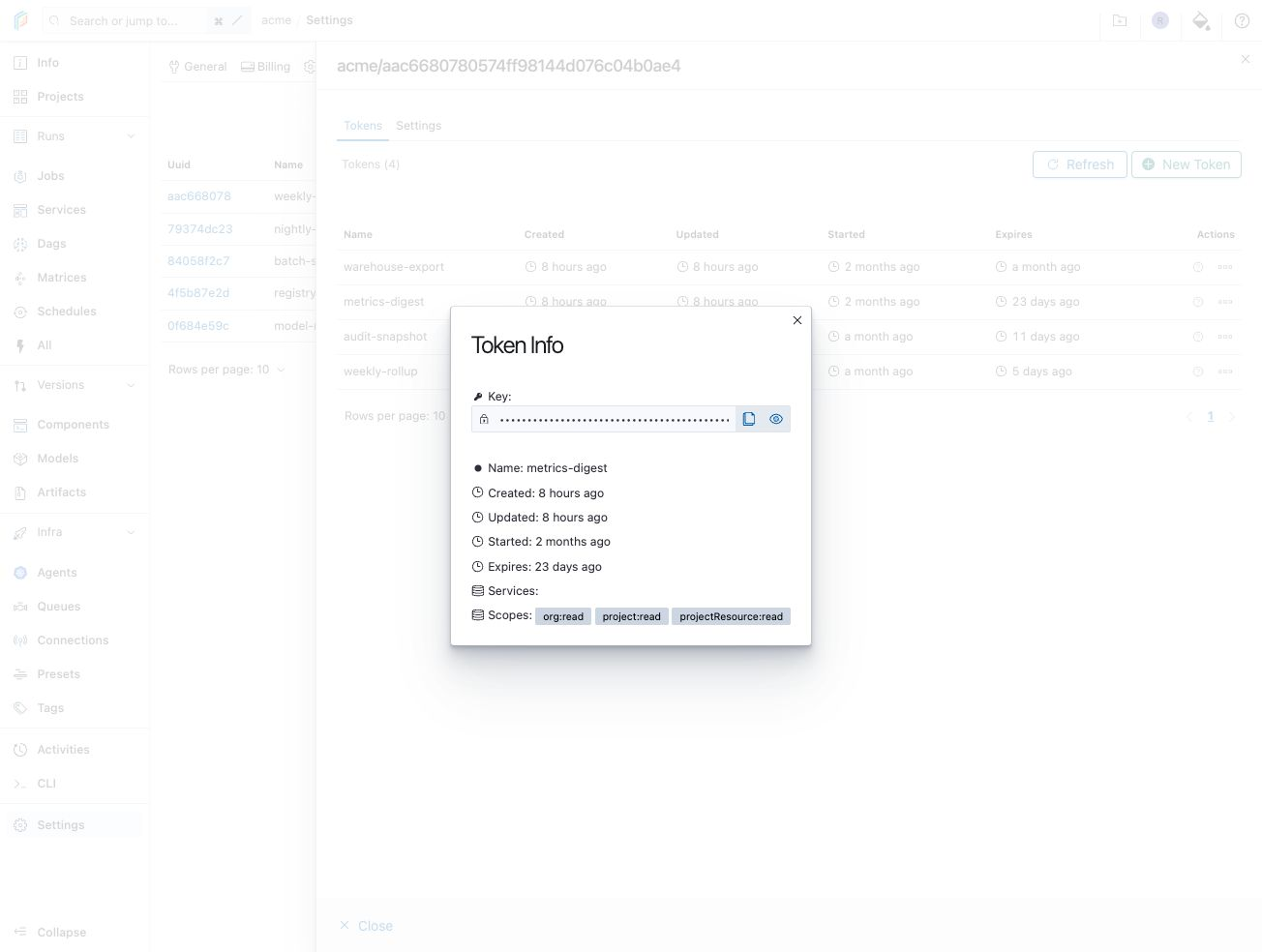
All tokens inherit the service account's scopes. Open the service account's Settings to review or configure these scopes.

Open a token’s Info dialog to inspect its inherited scopes and expiration dates. The key stays masked.
Manage service accounts
You can list, review, and manage all service accounts

Service account settings
You can update or delete a service account

N.B.: After creating a service account, if the scopes are updated, all tokens related to that services will be patched with the new scopes.