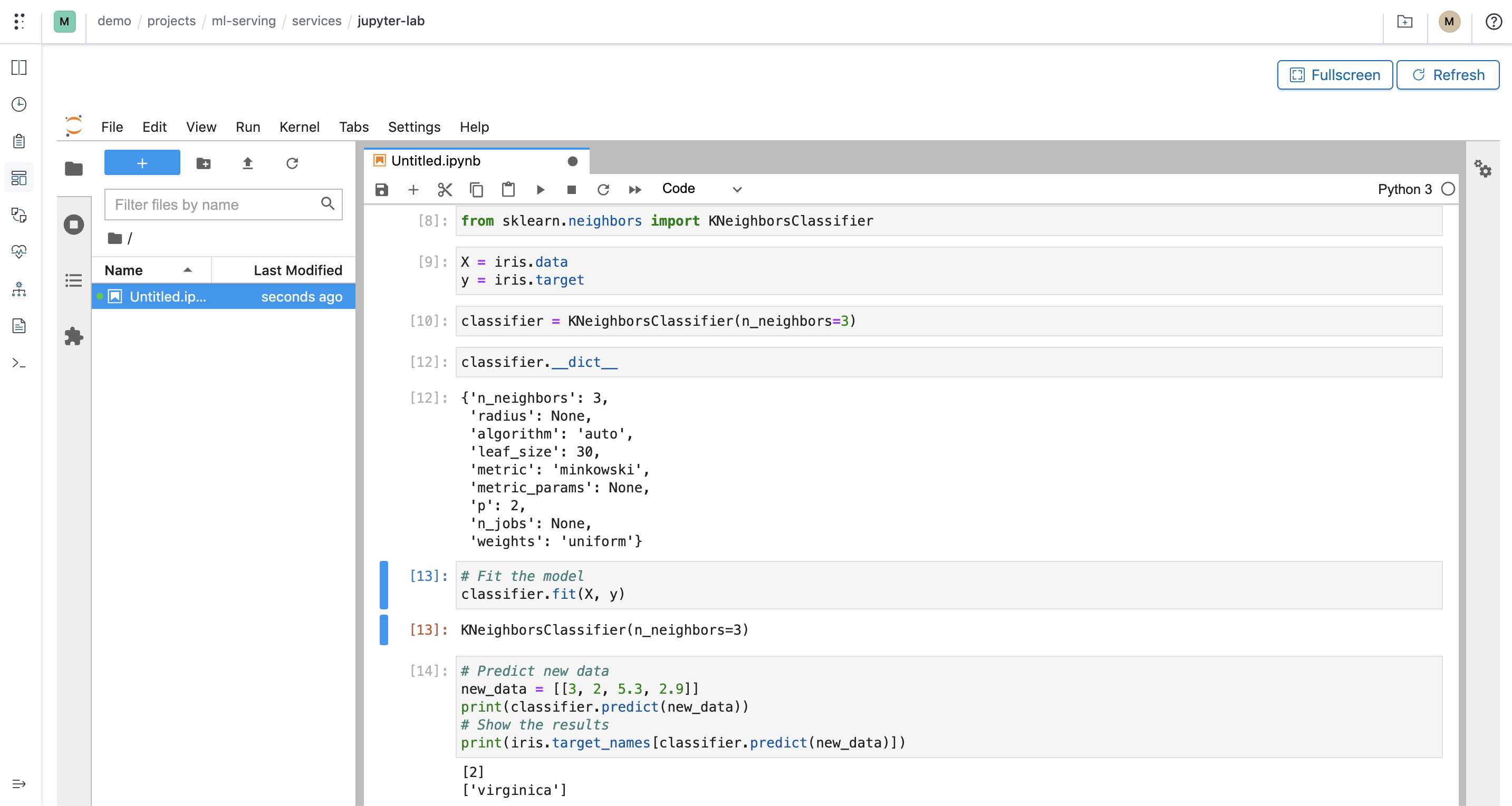
Start with a component
Open a notebook, inspect a run, or bring an app.
Start a notebook or TensorBoard component from the hub, or define a service for your own web app. Polyaxon records each as a run with its configuration, status, and logs.
Follow the notebook guide$ polyaxon run -p quick-start --hub notebook
# Copy the new run UUID, then wait for the service to start.
$ export RUN_UUID=PASTE_RUN_UUID_HERE
$ polyaxon ops service -p quick-start -uid $RUN_UUID --urlThe commands use the quick-start project. Wait for the service to reach running, then open its URL. The custom app tab follows the documented Streamlit example.
Use the interface that fits the work
- JupyterLab gives researchers a browser-based place to explore data, profile a model, and launch tracked jobs from code.
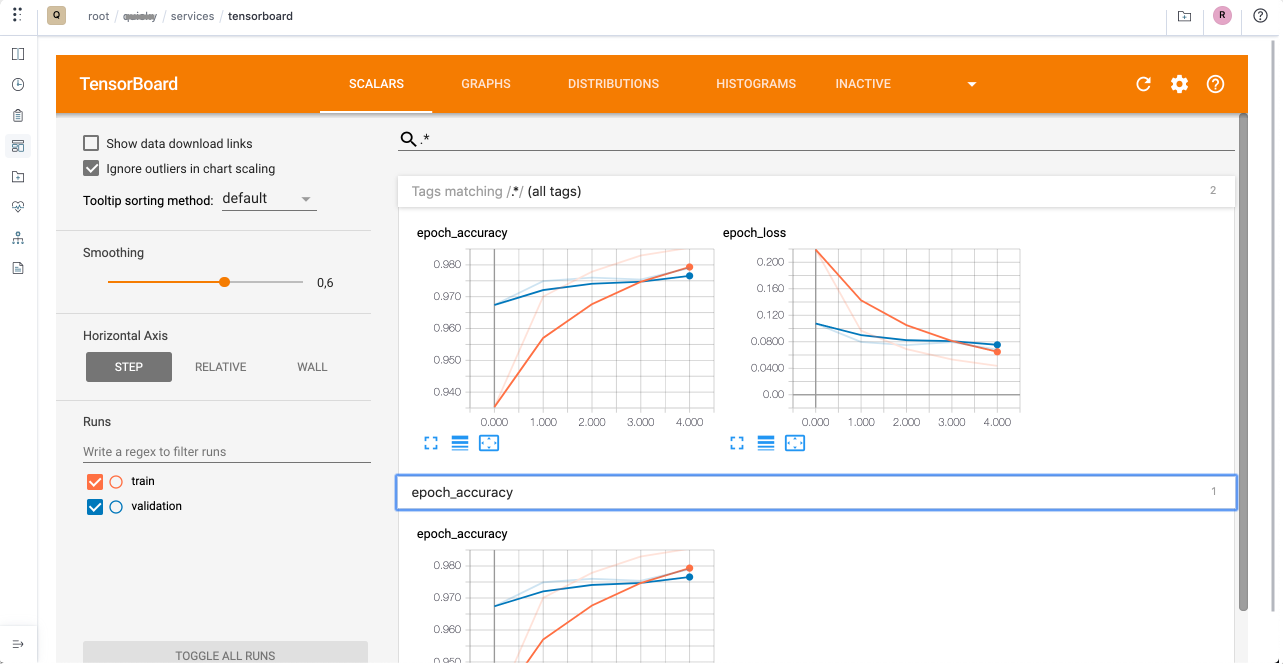
- TensorBoard opens the metrics and visualizations produced by one run or a selected group of runs.
- Custom apps such as Streamlit can turn an analysis or model demo into a web interface backed by your chosen container.
These are service runs: you select a component or define your own, Polyaxon schedules it, and the application provides the interface. Open the running service from its run page or through the CLI.
JupyterLab integration · TensorBoard integration · Streamlit integration
Give each session the right environment
Use an image with the libraries your work needs, then select CPU, memory, GPUs, storage connections, and a queue that can place the workload. Save those choices in a component or preset so teammates can start the same environment without rebuilding it on a laptop.
A notebook can schedule separate training or evaluation runs from its code. Those jobs keep their own configuration, status, logs, and outputs; the notebook remains the interactive starting point.
Configure a notebook service · Choose GPU resources · Schedule runs from a notebook
Add distributed compute when one container is not enough
Run Ray and Dask through their cluster runtimes when the work needs a head or scheduler and worker replicas. They are separate operations from the notebook or app service. Polyaxon tracks their status and replica logs, while KubeRay or the Dask Kubernetes Operator manages the cluster resources.
A notebook, job, or service can act as a Dask client when it can reach the scheduler. Keep the client and cluster lifetimes explicit, and stop the cluster when its work is complete. Ray workloads similarly use their own cluster component and entrypoint.
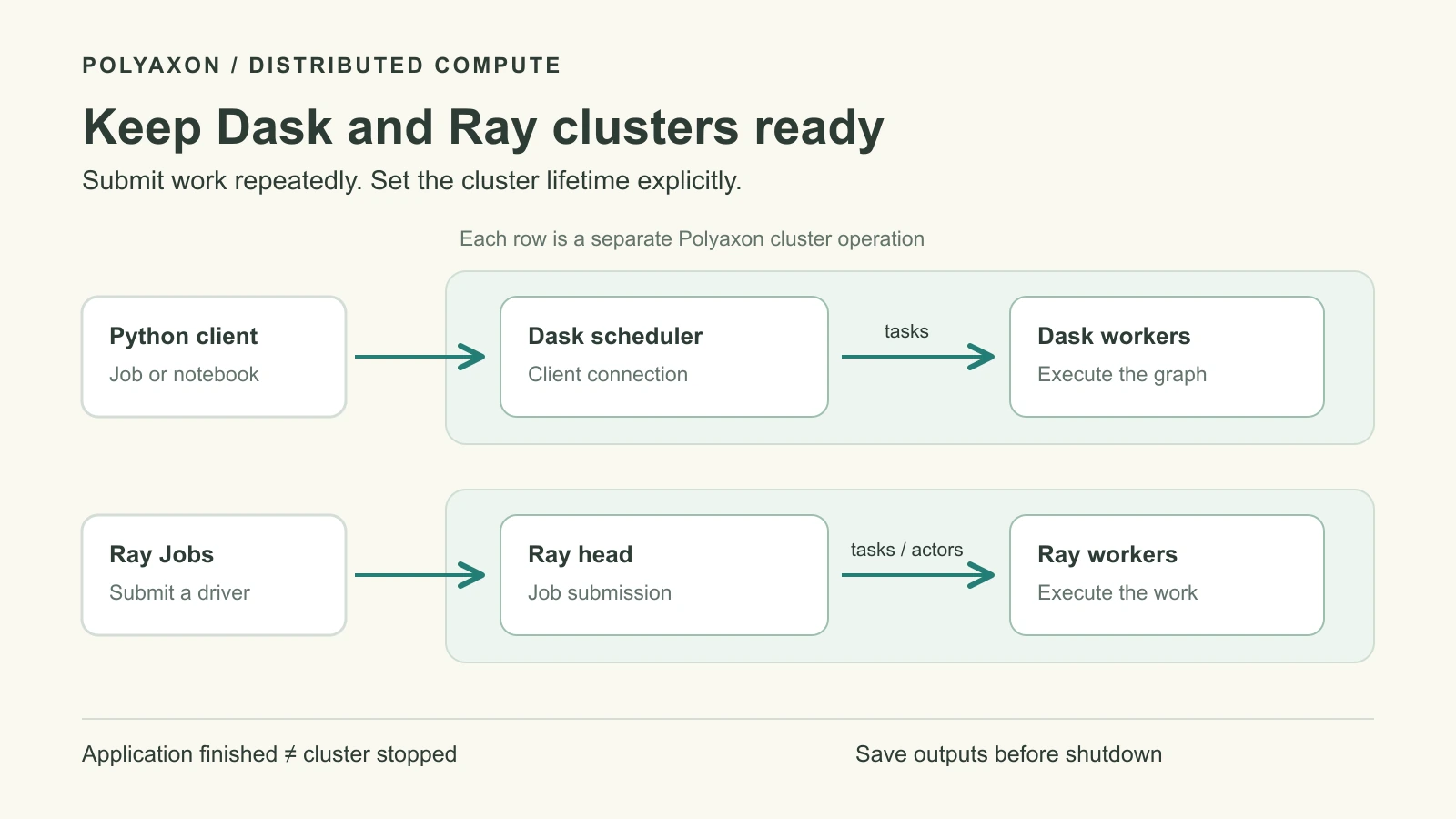
Run a Ray cluster · Run a Dask cluster · Cluster runtime reference
Open it securely, then release the resources
Choose how each service is exposed. On Polyaxon Cloud and self-hosted Enterprise, protected organization service access can limit who opens a notebook or app. External exposure is a separate configuration choice; keep credentials, network access, and data connections scoped to the people and workloads that need them.
Services keep consuming their requested resources while they run. Stop them when the session ends, or use a preset with an absolute timeout or an activity probe for idle culling. Save useful notebooks, code, and outputs to durable storage before cleanup.
Service access settings · Configure service timeouts · Track artifacts