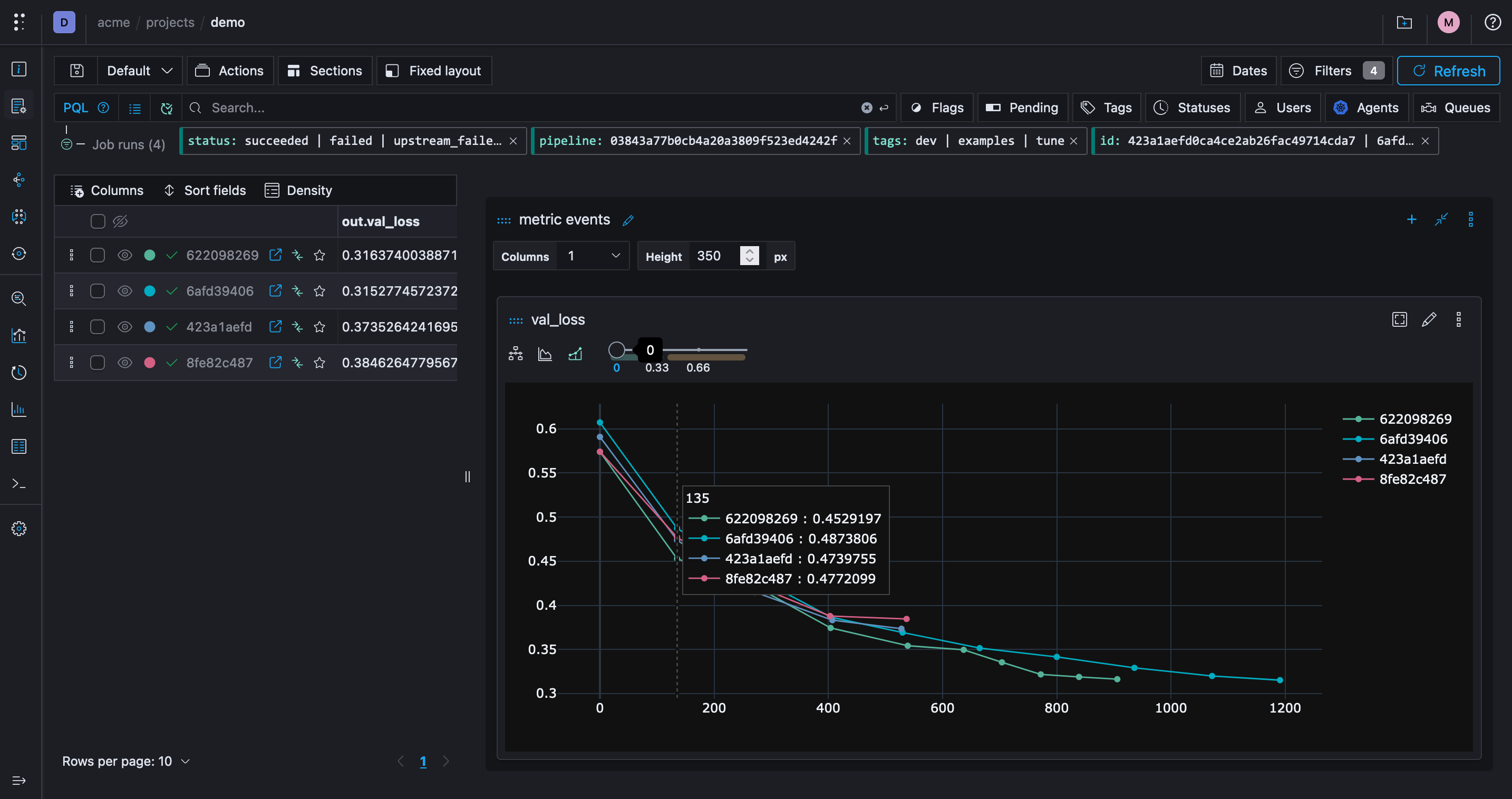
ML Experiment Tracking: What to Log and How to Compare Runs
Learn what to record for each ML experiment, how to compare runs fairly, and how to log parameters, metrics, datasets, and model artifacts with Polyaxon.
MLOps
Practical guides to building, running, and improving ML and AI in production.
Page 17 of 22
Learn what to record for each ML experiment, how to compare runs fairly, and how to log parameters, metrics, datasets, and model artifacts with Polyaxon.
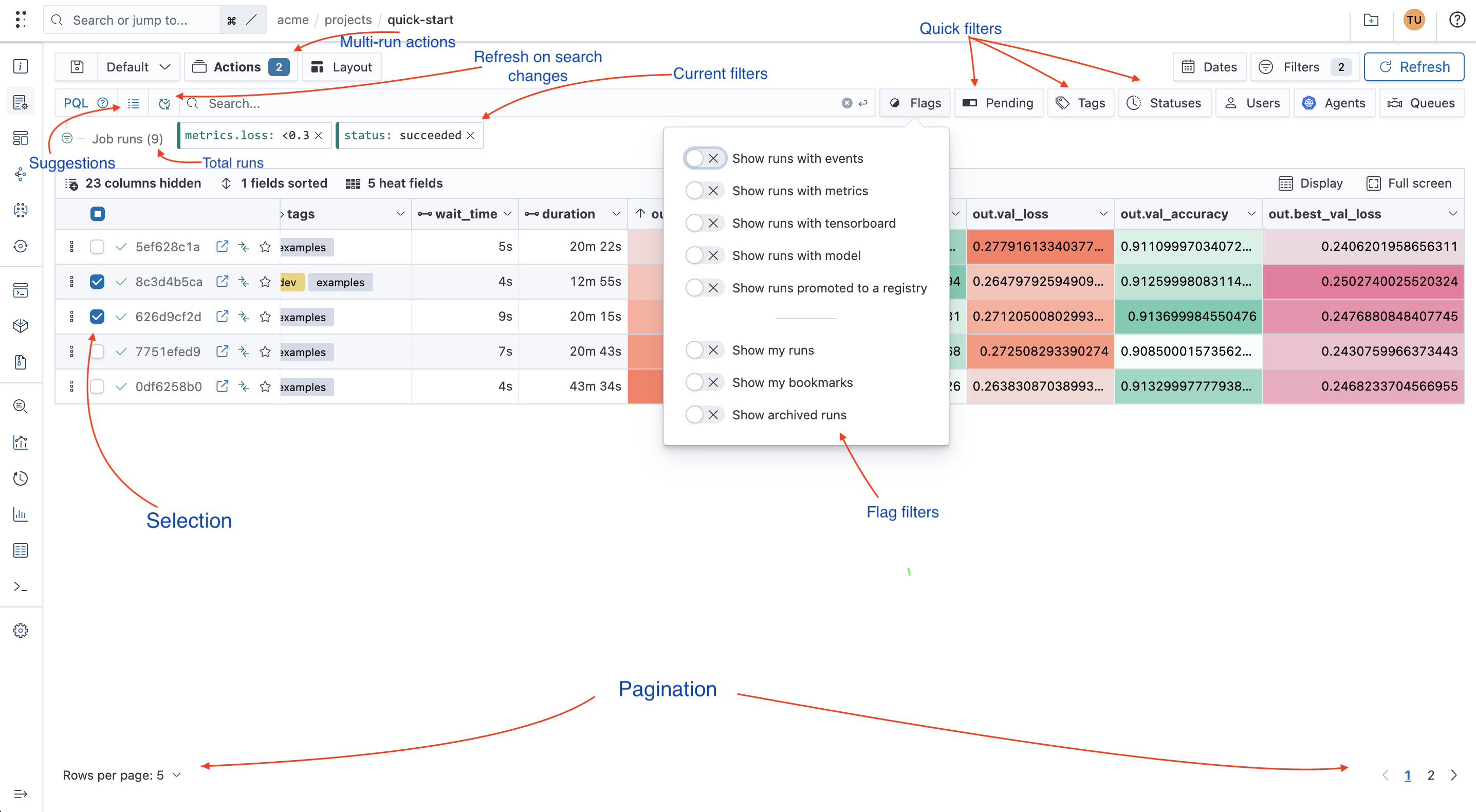
Understand ML metadata with examples of runs, datasets, and model artifacts. Learn how a metadata store connects them and how to query them in Polyaxon.

Compare Kubernetes StatefulSets and Deployments, including identity, storage, scaling, rollout behavior, and common use cases.
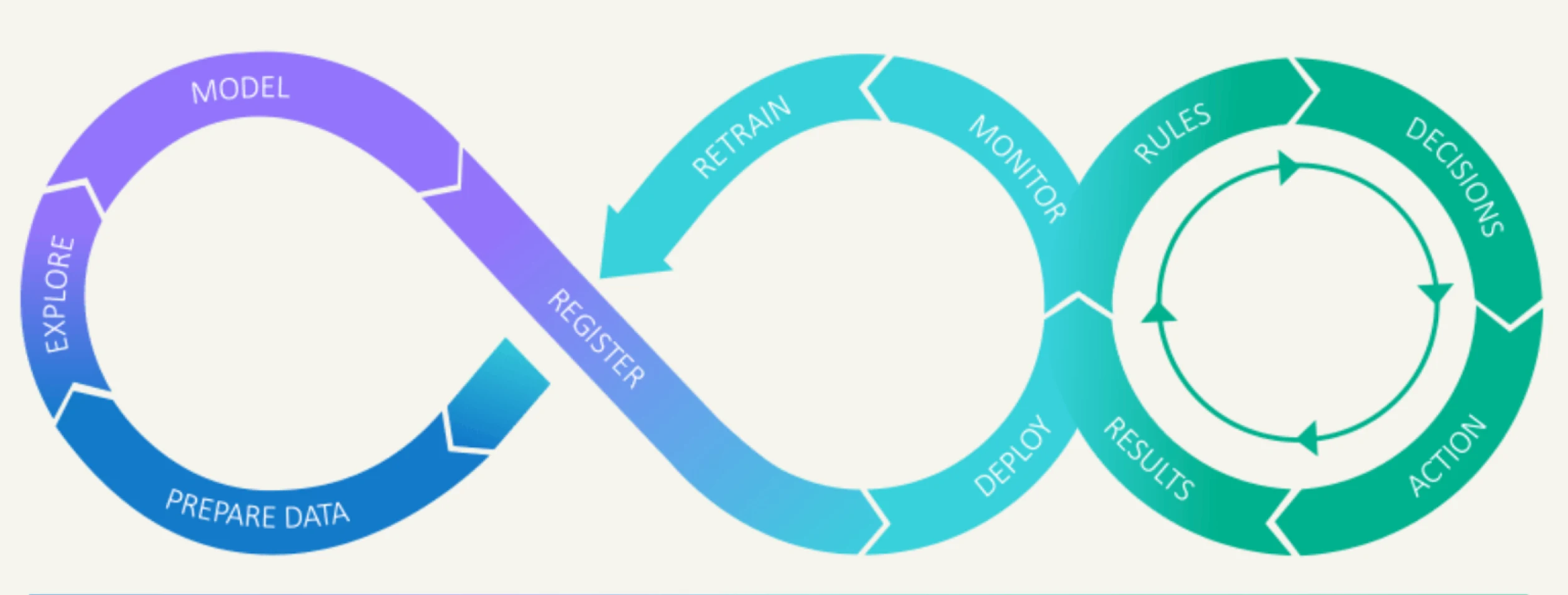
At Polyaxon, we're always looking for ways to push the boundaries of what's possible with machine learning infrastructure, this is why we are excited about the upcoming sandbox deployment capabilities.
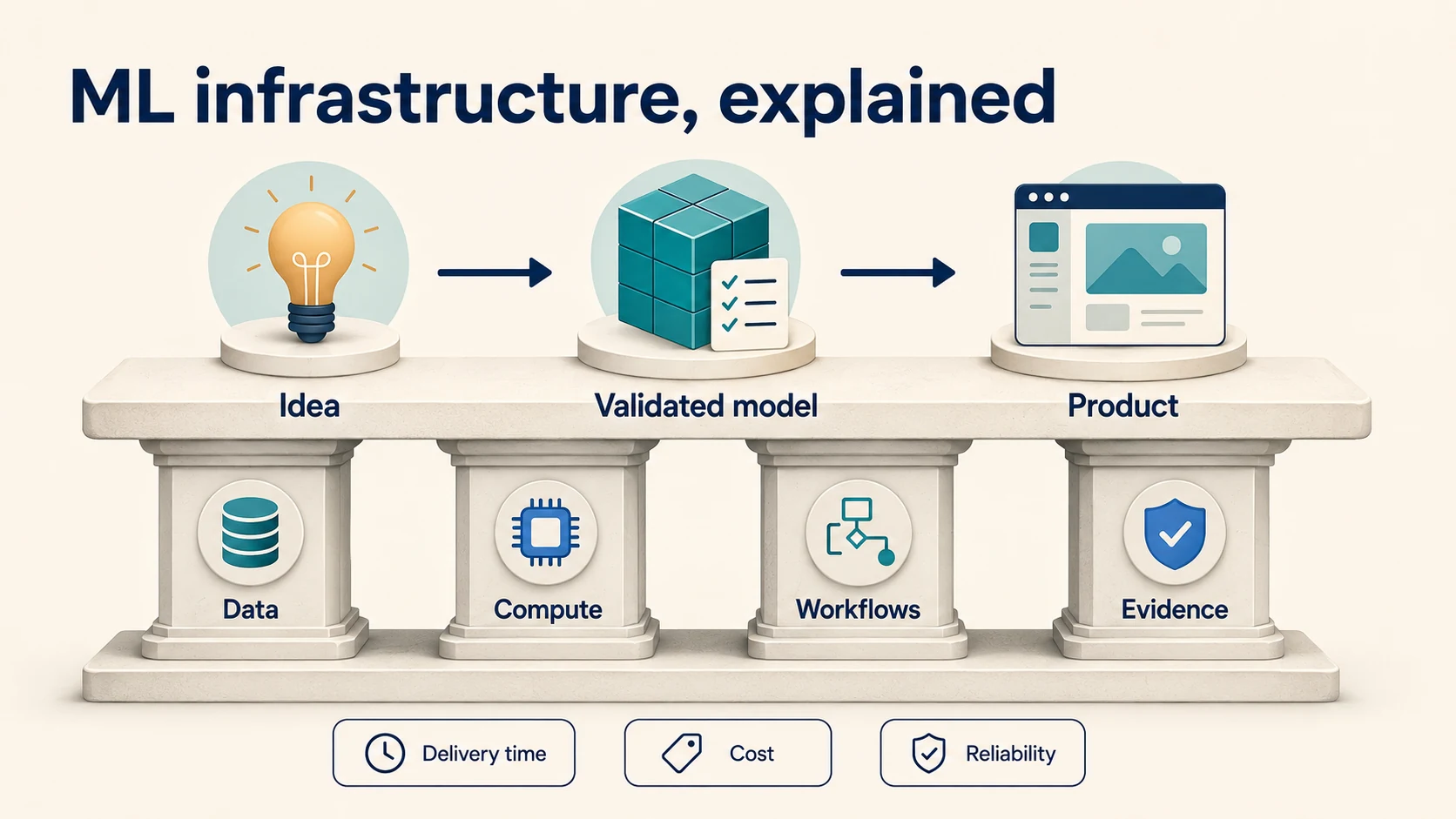
Operate cloud infrastructure for ML with declarative provisioning, clear ownership, workload isolation, capacity policies, cost allocation, and recovery exercises.
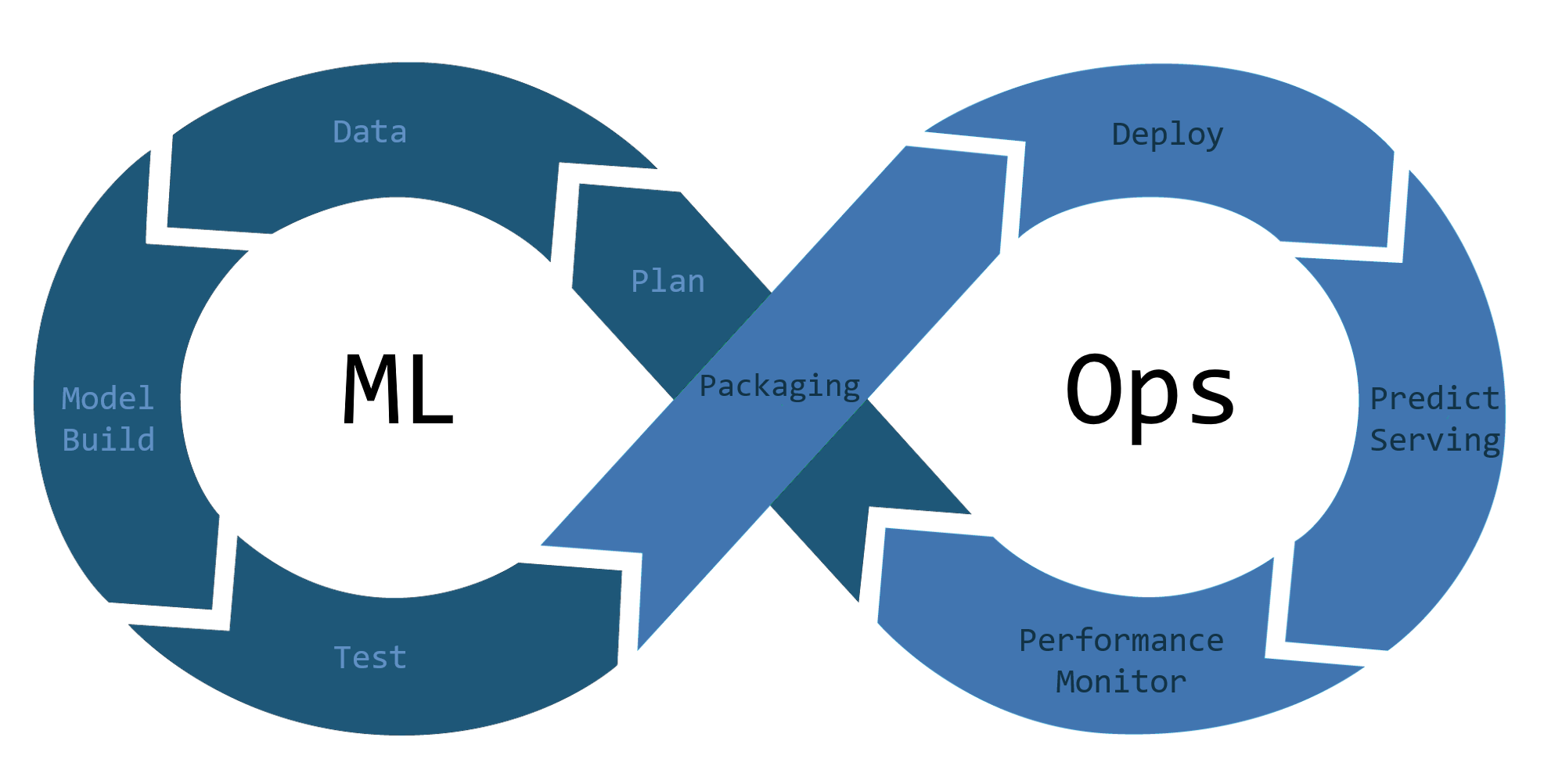
At Polyaxon, we're always looking for ways to push the boundaries of what's possible with machine learning. Our MLOps platform makes it easy to manage the entire lifecycle of your machine learning models.
Use Kubernetes network policies to control pod traffic, restrict lateral movement, and make cluster networking less permissive by default.
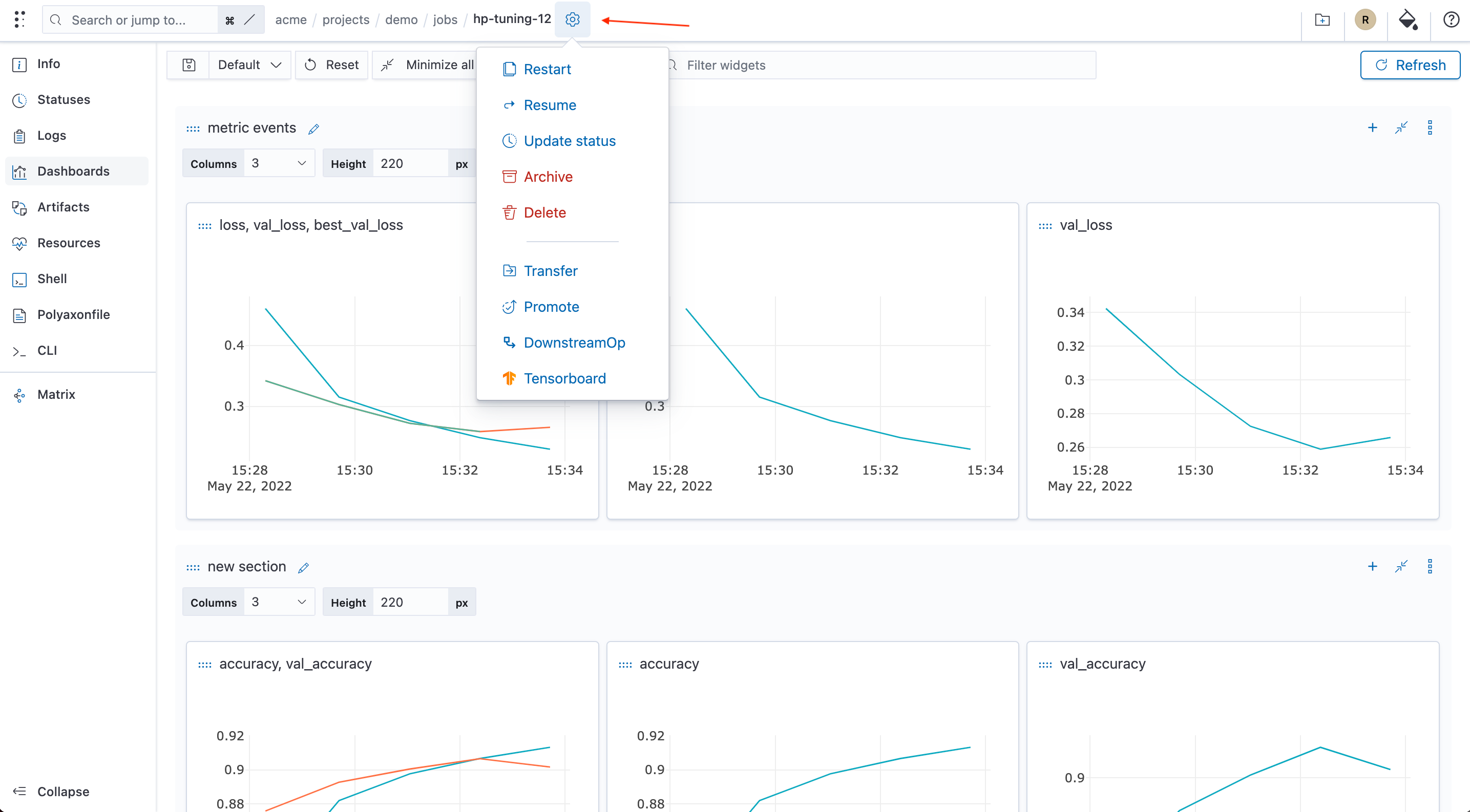
The run control, i.e. cog icon, is now visible on all tabs to allow users to easily perform actions on a run
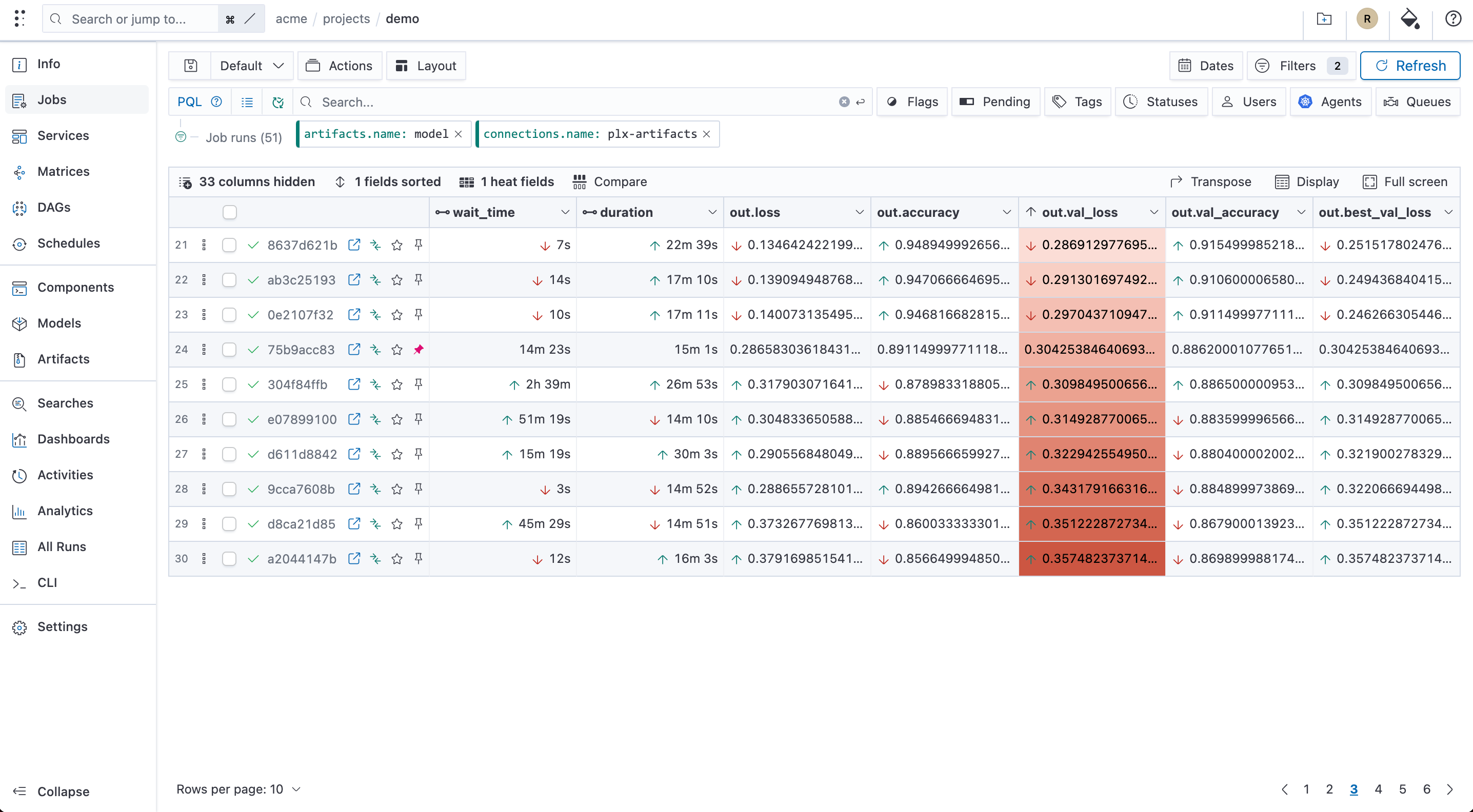
Polyaxon UI has new features that allows users to quickly compare and filter their runs

You can now start Tensorboard using the experiment names instead of the experiment uuids
Choose, size, monitor, and retire Google Cloud Persistent Disk volumes for training, notebooks, caches, and stateful ML services.
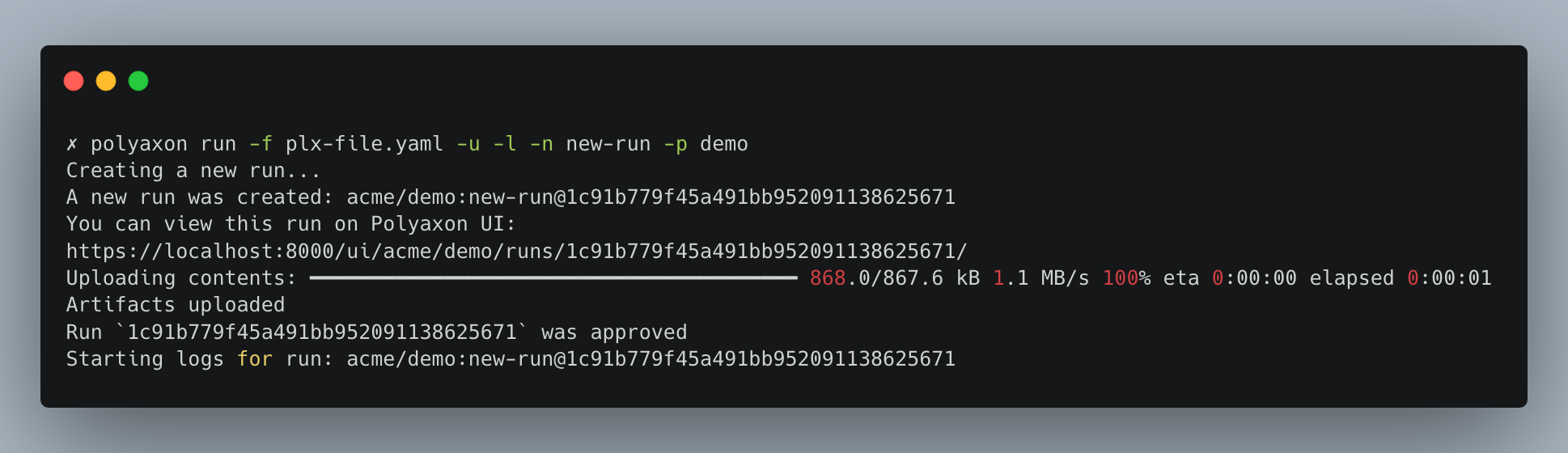
We recently worked on an effort to improve the visual experience our CLI
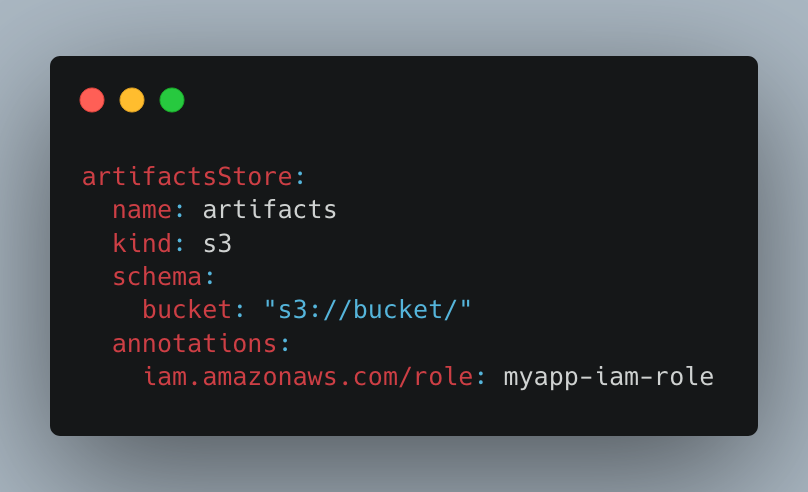
You can now define annotations and environment variables in your connections' schema
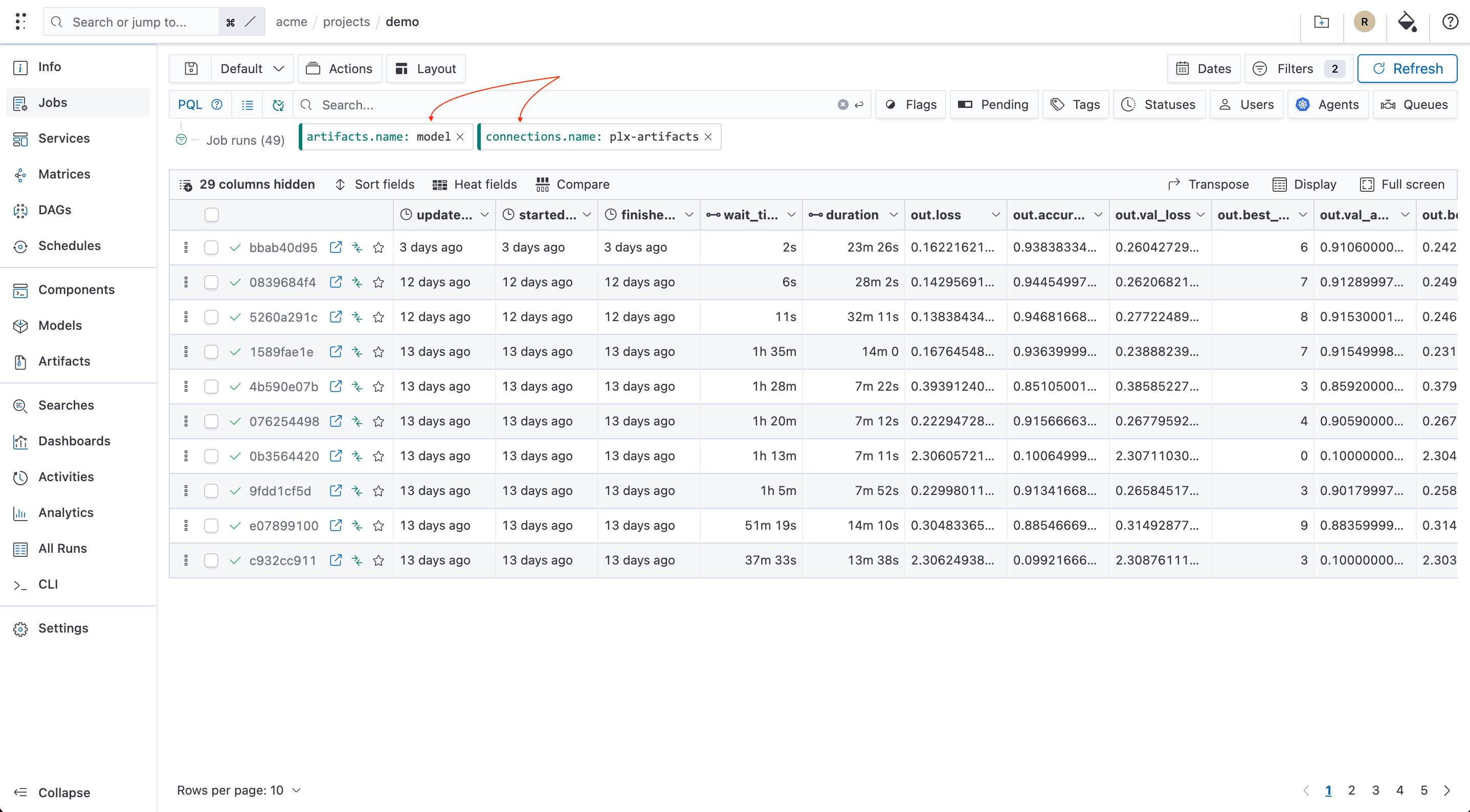
Users can now filter by connections and artifacts
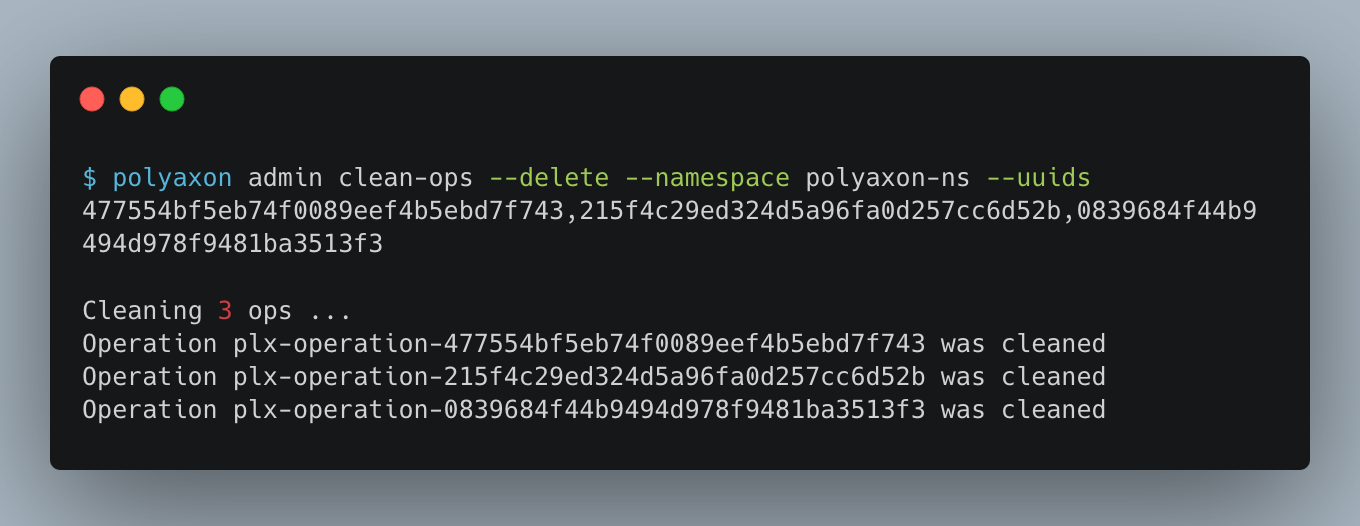
Admin users with access to kubectl can now force kill operations in a namespace
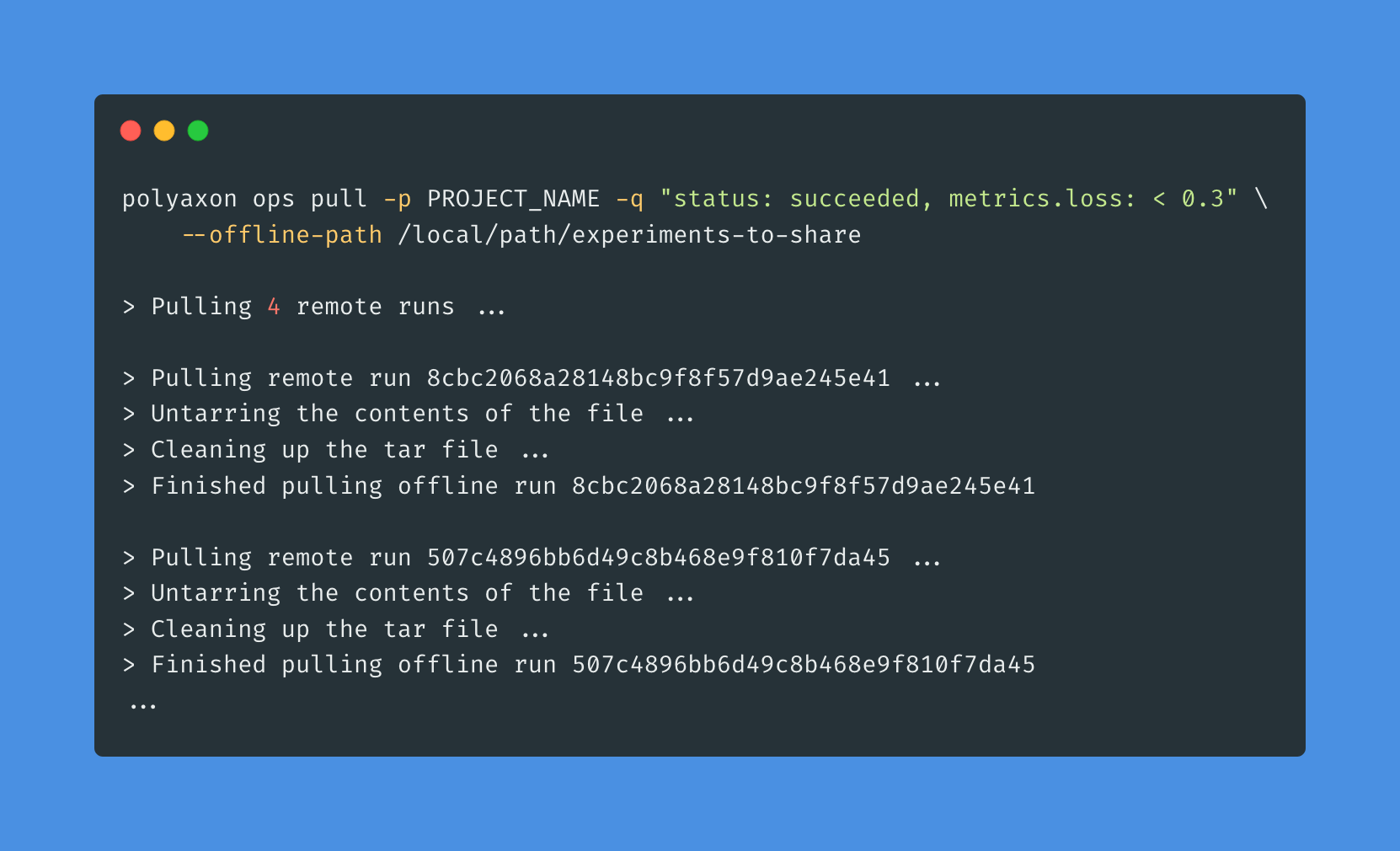
Users can now package and pull runs to local paths or push runs from local paths to a Polyaxon deployment
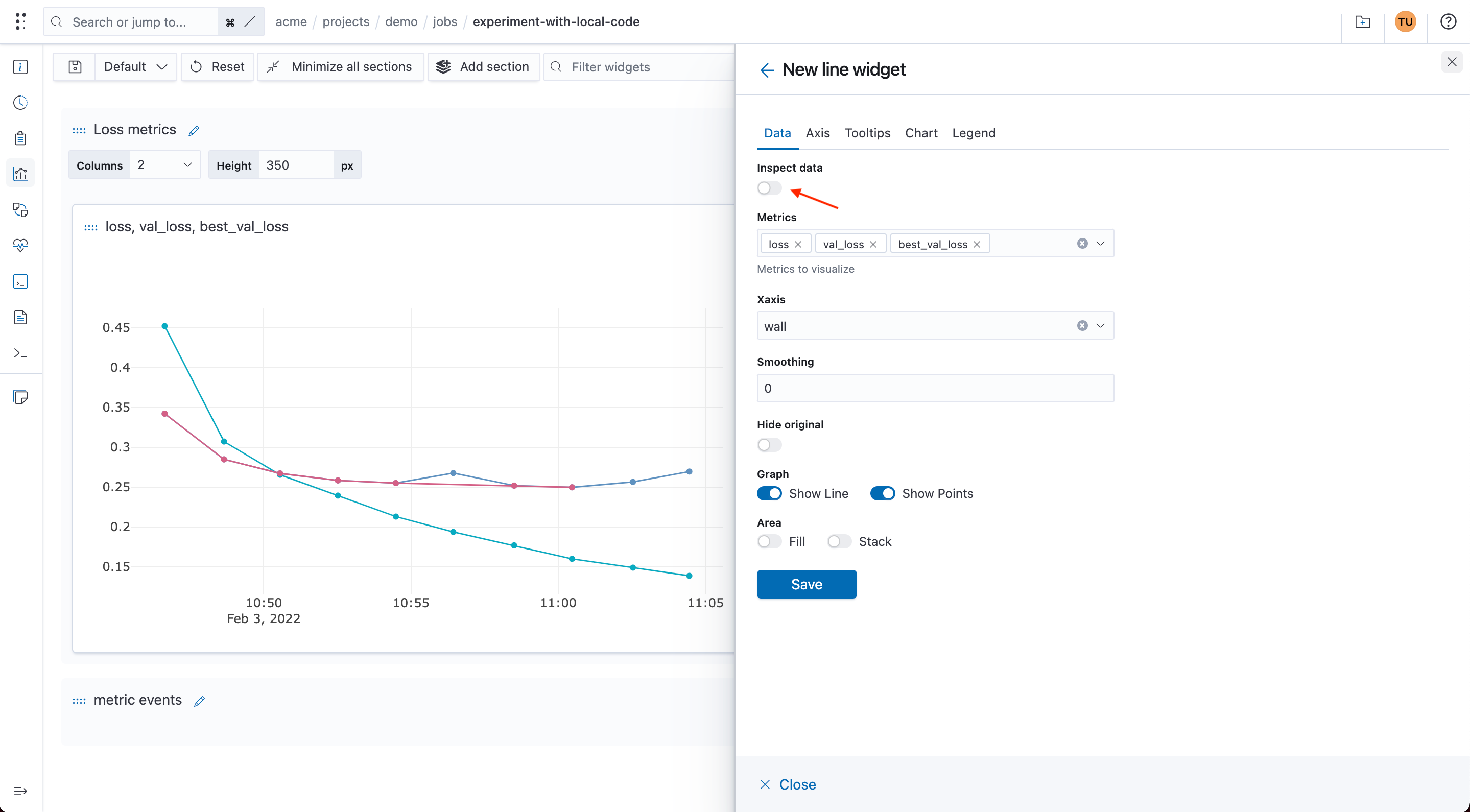
Using the line chart widget you can now inspect the underlying data as an interactive table.
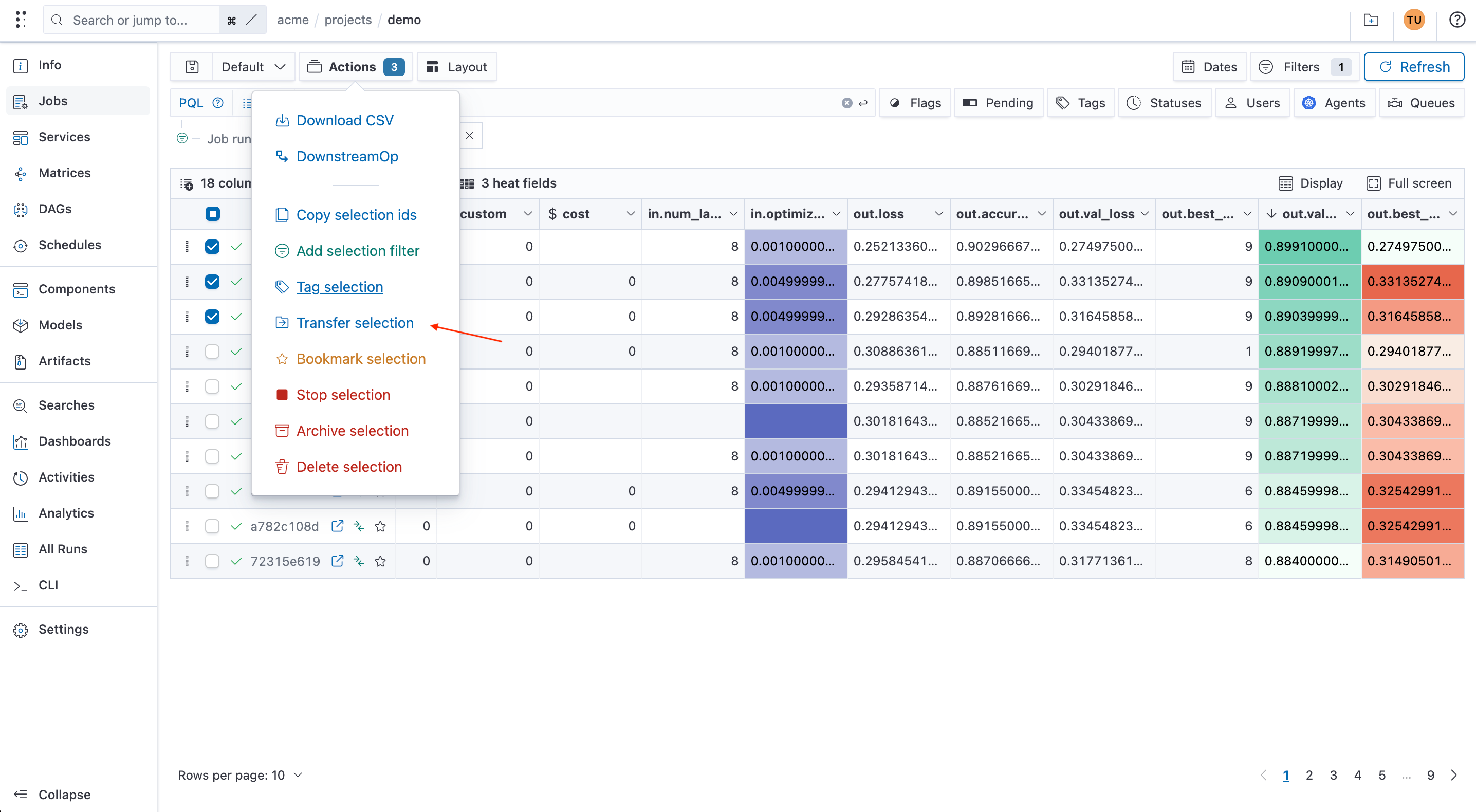
Users can now transfer runs, models, components, & artifacts from one project to another to reorganize their workspaces
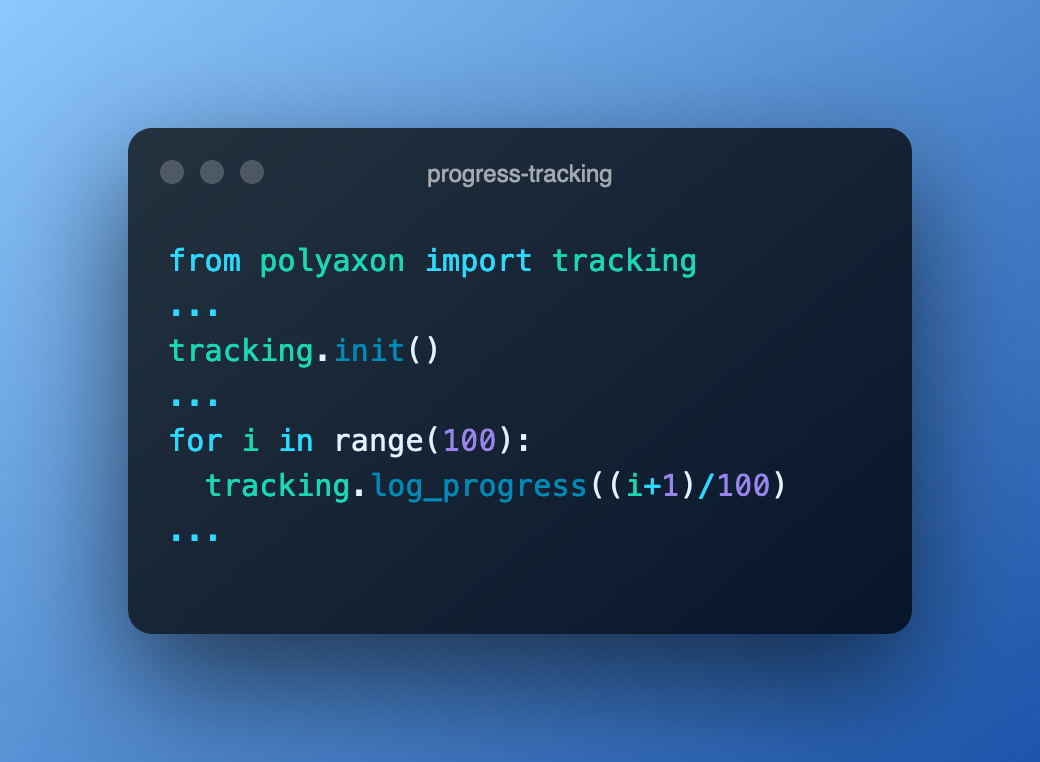
Users can now log the progress of their runs and have a progress bar in the UI to get a quick overview of their runs.
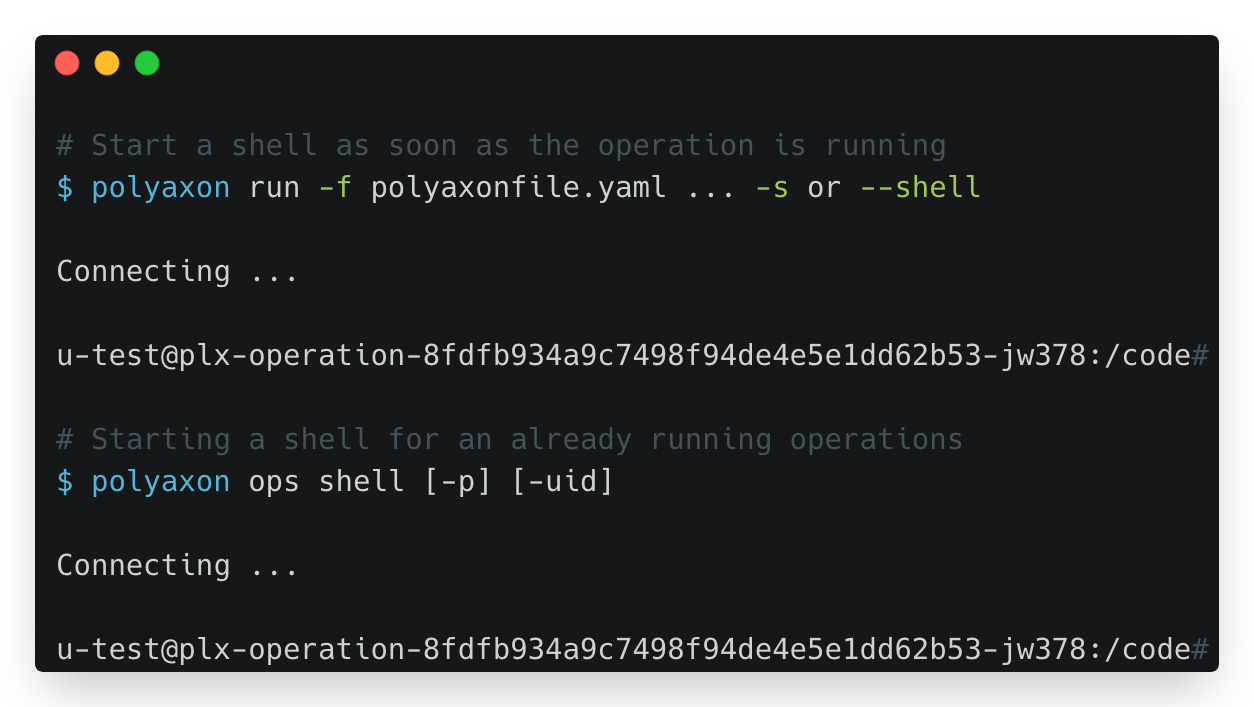
Improved inspection and monitoring capabilities and Container Shell debugging capabilities in the CLI.
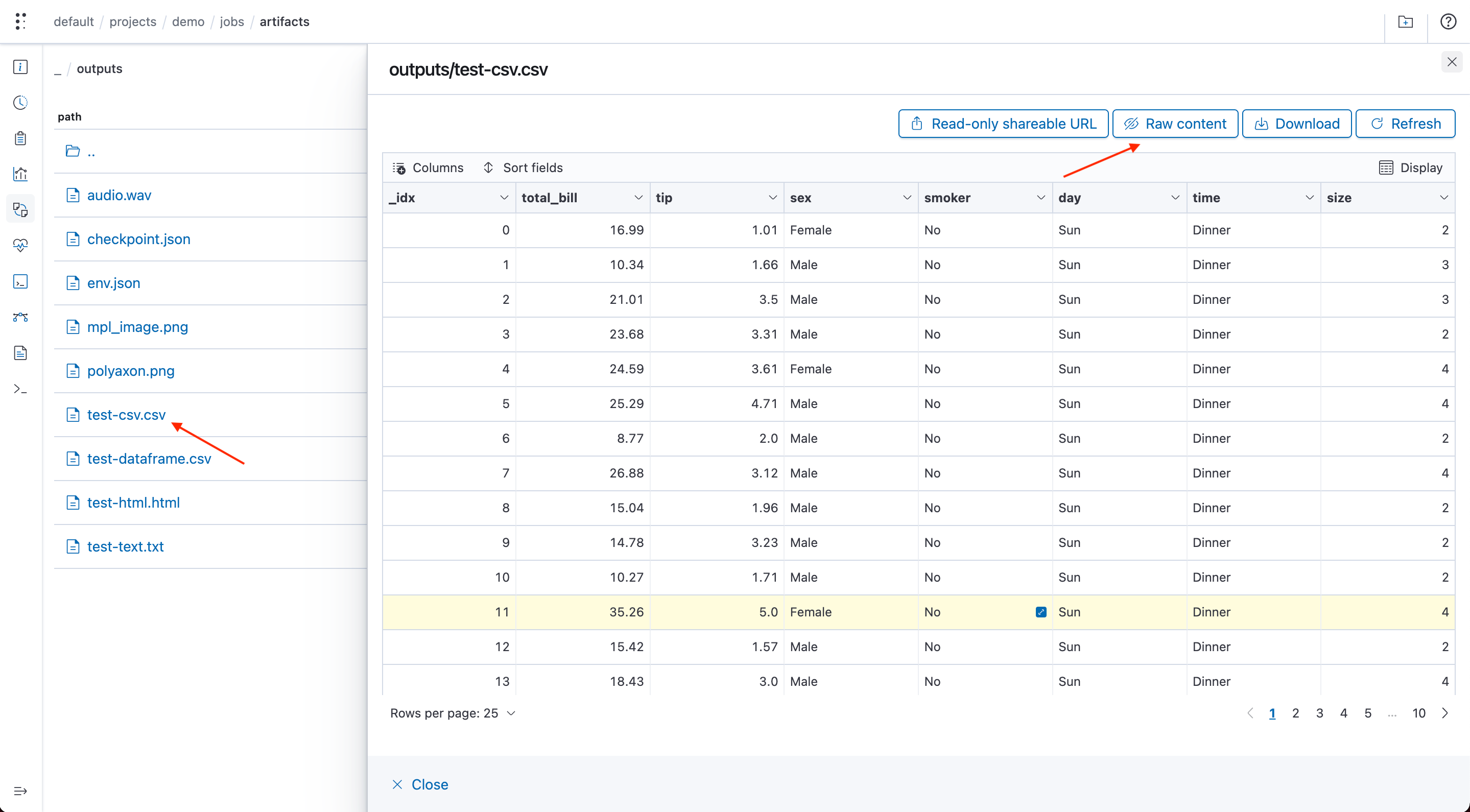
Polyaxon UI can now render CSV/TSV/Dataframes/... automatically as a table
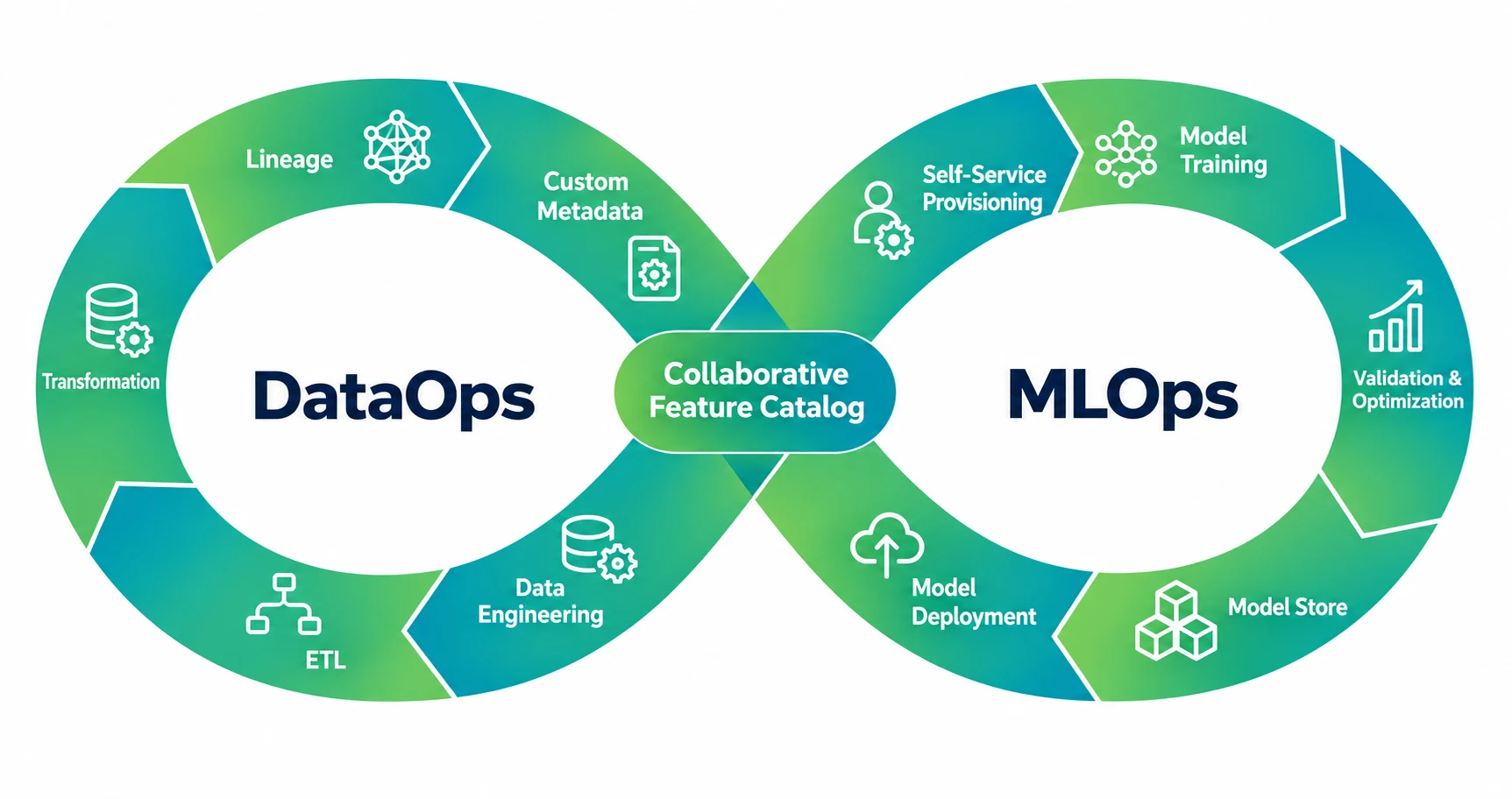
DataOps delivers reliable data; MLOps delivers reliable ML systems. Compare their responsibilities, checks, and handoffs using a practical example.
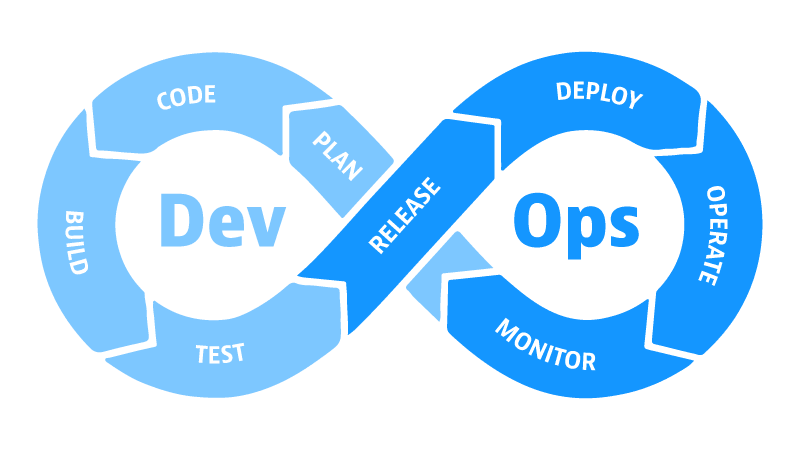
How MLOps is different from DataOps.
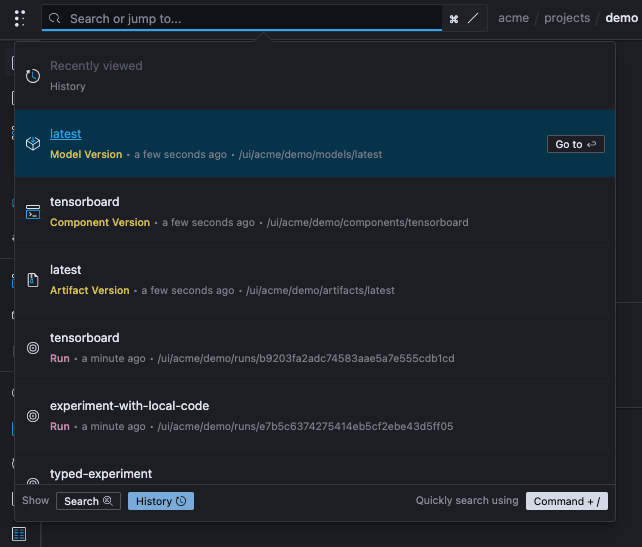
Users can search organizations they belong to and project they have access and access recently viewed items.