Assign project owners without changing organization roles
Give a teammate responsibility for a Polyaxon project while keeping their organization role and your team's access restrictions in place.
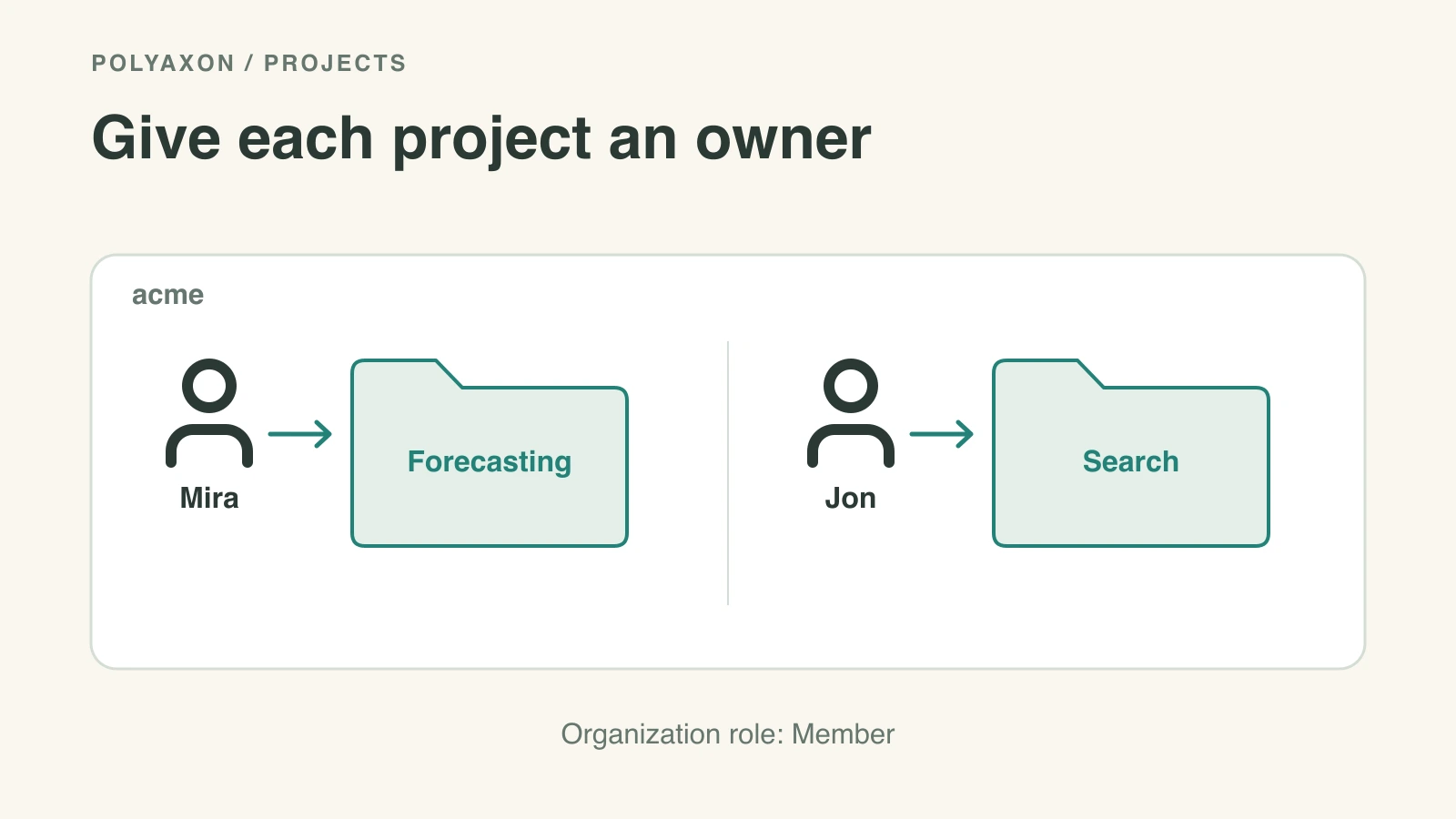
A researcher can own the forecasting project without becoming an administrator for every project in your organization. Polyaxon lets you assign a project to a non-admin teammate, giving them project management permissions while keeping their organization role unchanged.
This capability is part of Polyaxon's commercial offering and has been available since v2.12. It is useful when a platform team creates projects centrally and then hands responsibility to the people doing the work.
Assign the project to a teammate
Using an account authorized to manage the project, open its general settings. Under User attribution, select the organization member who should own it and click Save.
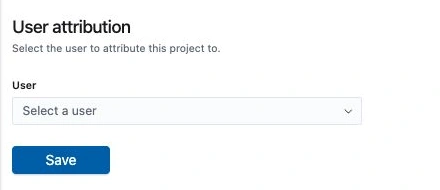
For example, assign acme/forecasting to mira, an organization member. Mira gets management permissions for that project; her organization membership remains Member. The organization still owns the project, so its path stays acme/forecasting.
You can make the same change through the Python project client, using your configured Polyaxon credentials:
from polyaxon.client import ProjectClient

project = ProjectClient(owner="acme", project="forecasting")
project.update({"user": "mira"})
Replace the organization, project and username with existing resources. The caller needs permission to update the project; the example does not promote Mira's organization role.
Keep access and responsibility aligned
Project assignment, team access and organization roles serve different purposes:
| Setting | What it controls |
|---|---|
| Project attribution | Who is responsible for managing this project |
| Project user and team access | Which teammates can access the project, with their effective roles |
| Organization membership role | What someone can manage across the organization |
| Project resource restrictions | Which agents, queues, connections and presets the project can use |
Ensure the assigned teammate has access through the project's user or team settings. Attribution does not replace those access checks. Existing project restrictions continue to define the compute and storage resources available to its workloads.
If the project is used within a team space, keep the assignment aligned with that team's membership and roles. Team spaces let a group work within its own projects and resource defaults; assigning an individual owner identifies who takes responsibility for a particular project.
Let people clean up their own runs
The same v2.12 release also allows run owners to delete their own runs without being admins. A teammate can remove their failed trial or an obsolete experiment without asking the platform team to do it.
Run ownership and project ownership are separate. Creating a run does not make someone the project owner, and permission to delete their own run does not grant permission to delete another teammate's work. Use the organization role guide when you need to delegate broader administration.