Automate multiple runs with async Python clients
Monitor several Polyaxon runs concurrently with async Python clients, retrieve recent logs, and manage concurrency, timeouts, and client cleanup.
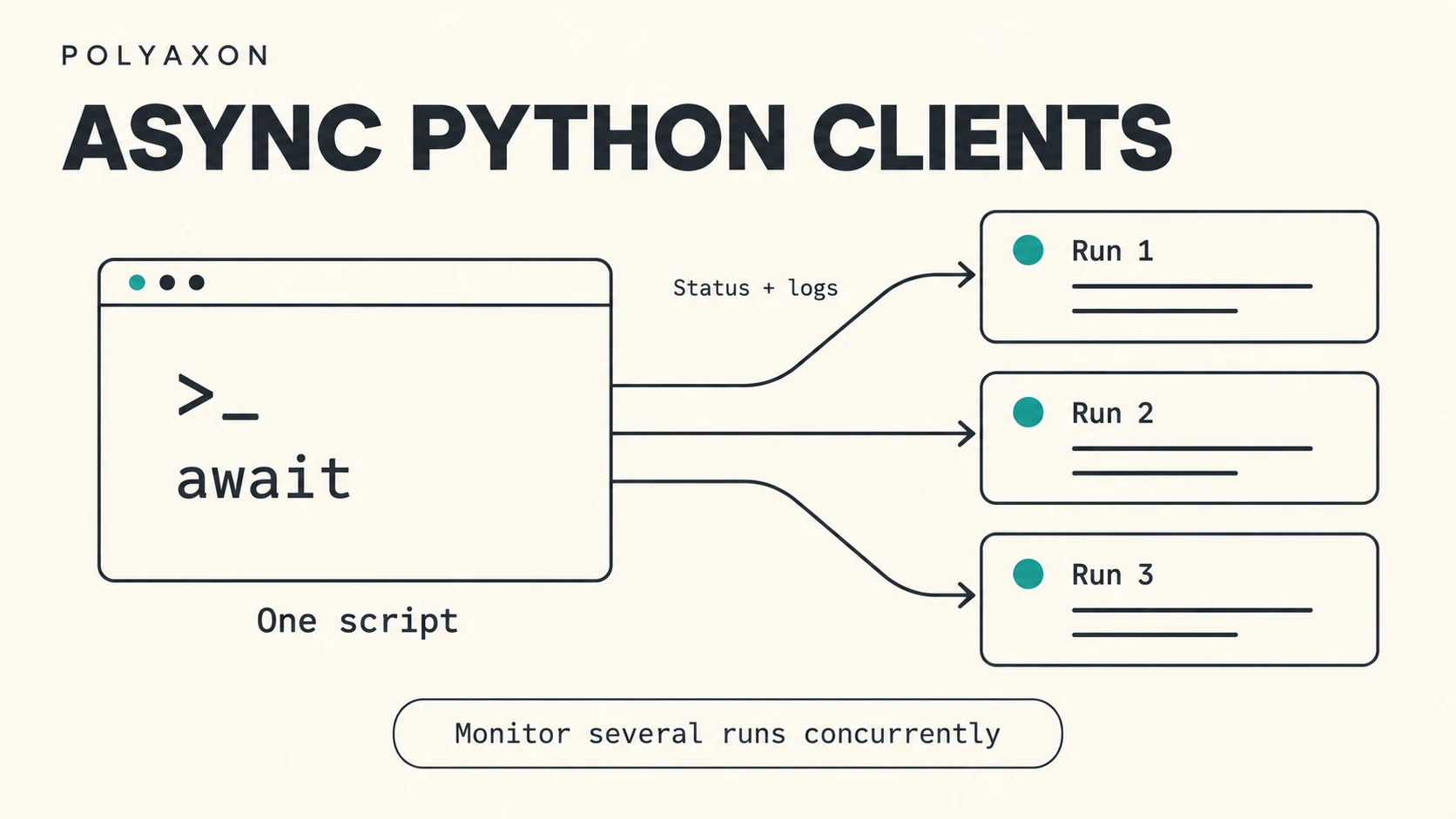
If you already use RunClient in a Python script, checking an operation usually means creating a client, waiting for a status, and reading its logs. The same workflow can now fit into an asynchronous application, with several runs progressing through those checks together.
Polyaxon 2.16 introduced AsyncOrganizationClient, AsyncProjectClient, and AsyncRunClient. Their network methods work with await, so your application can handle other requests while Polyaxon returns a response.
Use them to monitor a batch of evaluation runs, collect status updates for an internal dashboard, or follow several training jobs from a coordinator. The concurrency belongs to your Python application; each run keeps its own scheduling, resources, and lifecycle in Polyaxon.
Choose the client for the work
The async clients are available from polyaxon.client, alongside the synchronous classes:
| Client | Useful scope |
|---|---|
AsyncOrganizationClient | Organization members, teams, and runs across projects |
AsyncProjectClient | Runs and registered versions within a project |
AsyncRunClient | An individual run's status, logs, metadata, and lifecycle |
Organization and project clients are useful when discovering the runs your automation should inspect. Once you have their UUIDs, a run client gives each monitor an explicit target. Pass owner, project, and run_uuid together so a script behaves the same way regardless of the run most recently selected in your CLI.
Use the ordinary synchronous clients for a short sequential script. The async classes are especially useful when your application already uses asyncio, or when independent network requests can overlap. Changing the import alone does not introduce concurrency: a loop that awaits each run to completion still processes them sequentially.
Monitor several existing runs
The following script watches three existing runs, then requests their recent logs. It allows two monitors to work at once. Each monitor uses a 60-second status-polling timeout and a separate 30-second log-request timeout. Cancellation and connection cleanup can extend the elapsed time beyond those settings.
Use a Polyaxon Python client version that includes the 2.16 async clients, with your normal deployment URL and credentials configured. Replace OWNER, PROJECT, and the three UUIDs with runs you can access in the same project. Run this in an environment with network access to your deployment and its log-serving compute agent.
import asyncio
import json
from datetime import datetime, timedelta, timezone

from polyaxon.client import AsyncRunClient
from polyaxon.schemas import LifeCycle

OWNER = "your-organization"
PROJECT = "your-project"
RUN_UUIDS = [
    "REPLACE_WITH_FIRST_RUN_UUID",
    "REPLACE_WITH_SECOND_RUN_UUID",
    "REPLACE_WITH_THIRD_RUN_UUID",
]
MAX_CONCURRENT_MONITORS = 2
MONITOR_TIMEOUT_SECONDS = 60
LOG_TIMEOUT_SECONDS = 30


async def monitor_run(run_uuid, slots):
    async with slots:
        async with AsyncRunClient(
            owner=OWNER,
            project=PROJECT,
            run_uuid=run_uuid,
            manual_exceptions_handling=True,
        ) as run:
            monitoring = "terminal status observed"
            try:
                await asyncio.wait_for(
                    run.wait_for_condition(
                        statuses=list(LifeCycle.DONE_VALUES),
                    ),
                    timeout=MONITOR_TIMEOUT_SECONDS,
                )
            except asyncio.TimeoutError:
                monitoring = "status polling timed out"

            report = {
                "run_uuid": run_uuid,
                "last_observed_status": run.status or "unknown",
                "monitoring": monitoring,
            }
            since = (
                datetime.now(timezone.utc) - timedelta(minutes=10)
            ).isoformat()
            try:
                logs = await asyncio.wait_for(
                    run.get_logs(last_time=since),
                    timeout=LOG_TIMEOUT_SECONDS,
                )
            except Exception as exc:
                report["logs_error"] = type(exc).__name__
            else:
                report["recent_logs"] = [
                    entry.value for entry in (logs.logs or [])[-20:]
                ]
            return report


async def main():
    slots = asyncio.Semaphore(MAX_CONCURRENT_MONITORS)
    results = await asyncio.gather(
        *(monitor_run(run_uuid, slots) for run_uuid in RUN_UUIDS),
        return_exceptions=True,
    )
    for run_uuid, result in zip(RUN_UUIDS, results):
        if isinstance(result, Exception):
            result = {
                "run_uuid": run_uuid,
                "monitoring_error": type(result).__name__,
            }
        print(json.dumps(result, indent=2))


if __name__ == "__main__":
    asyncio.run(main())
asyncio.gather() starts the independent monitors, and the semaphore limits how many hold active clients. The third run begins its monitoring window when a slot becomes available. For a much larger inventory, process UUIDs in batches or use a worker queue so you also bound the number of pending tasks.
The script prints one JSON record per run. A terminal status can mean succeeded, failed, stopped, or another completed state; inspect the status before treating a result as successful. If monitoring times out, the report retains its last observed status and records the timeout separately. That can happen when the monitoring window expires or an underlying request times out.
Keep status, logs, and deadlines distinct
wait_for_condition() polls asynchronously and updates run.status. The surrounding asyncio.wait_for() requests cancellation when its timeout expires, then waits for that cancellation to finish. As the Python asyncio reference explains, elapsed time can exceed the timeout. These settings are cancellation deadlines rather than a hard limit on the script's total duration.
Canceling local polling does not stop the remote operation. This makes the example suitable for inspecting workloads whose lifecycle belongs to another script or user.
The log request asks for entries after a timestamp ten minutes before retrieval and displays the last 20 entries in the returned response. The slice limits printed output; it is not a server-side 20-line download limit. An empty response may simply mean the run has produced no logs in that window.
Log access can fail independently of status access. The example preserves the status report and adds a logs_error field when that happens. manual_exceptions_handling=True lets the script handle client errors itself, and return_exceptions=True lets the other monitors finish if one run cannot be inspected. In a service, use those fields to report incomplete observations and decide which requests warrant a retry.
For incremental log retrieval, the response also exposes last_file and last_time cursors that can be passed into a later get_logs() call. Use this awaited method for async log requests; the terminal-oriented watch_logs() helper is currently synchronous-only.
Close the client when its work finishes
Each async with AsyncRunClient(...) block closes the client's owned network connections when it exits, including when a request raises an exception. Client cleanup and run termination are separate operations, so the monitor can finish while the inspected run continues.
The same context-manager pattern applies to the async organization and project clients. Create clients within the event loop that uses them, await their network methods, and give each concurrent run monitor its own client instance.
In a notebook or an application that already has an event loop, call await main() from that async context instead of starting another loop with asyncio.run(). You can then replace the final print with your application's status view or reporting step while keeping the same concurrency and cleanup behavior.
See the run client reference, project client reference, and organization client reference for the corresponding API scopes.