Build reproducible training snapshots from Kafka
Define a bounded Kafka record window, preserve its output and offset manifest, and run the snapshot job on Polyaxon.
Use an existing Kafka cluster as a data source for preprocessing, feature generation, or batch inference running in Polyaxon. Your application contains the Kafka client; Polyaxon schedules the container and records the run's logs and outputs.
This guide covers application-level access to Kafka. It does not install or operate Kafka brokers. For an event that should launch a new training or evaluation run, use Kafka-triggered automation instead.
Prepare broker access
Before scheduling a consumer, establish:
- Broker addresses reachable from the Polyaxon workload namespace, including the addresses returned in Kafka's advertised listeners.
- A topic, consumer group, and account with the required topic and group permissions.
- The correct TLS certificates and authentication settings for your Kafka installation.
- A container image with your consumer code and a compatible Kafka client library.
Keep passwords and private keys in Kubernetes Secrets or your existing secret-management system. Use Polyaxon connections to expose the required configuration to the workload; creating a connection does not provision a broker or configure its access controls. Match client settings to the Kafka consumer configuration.
Turn a stream into a bounded dataset
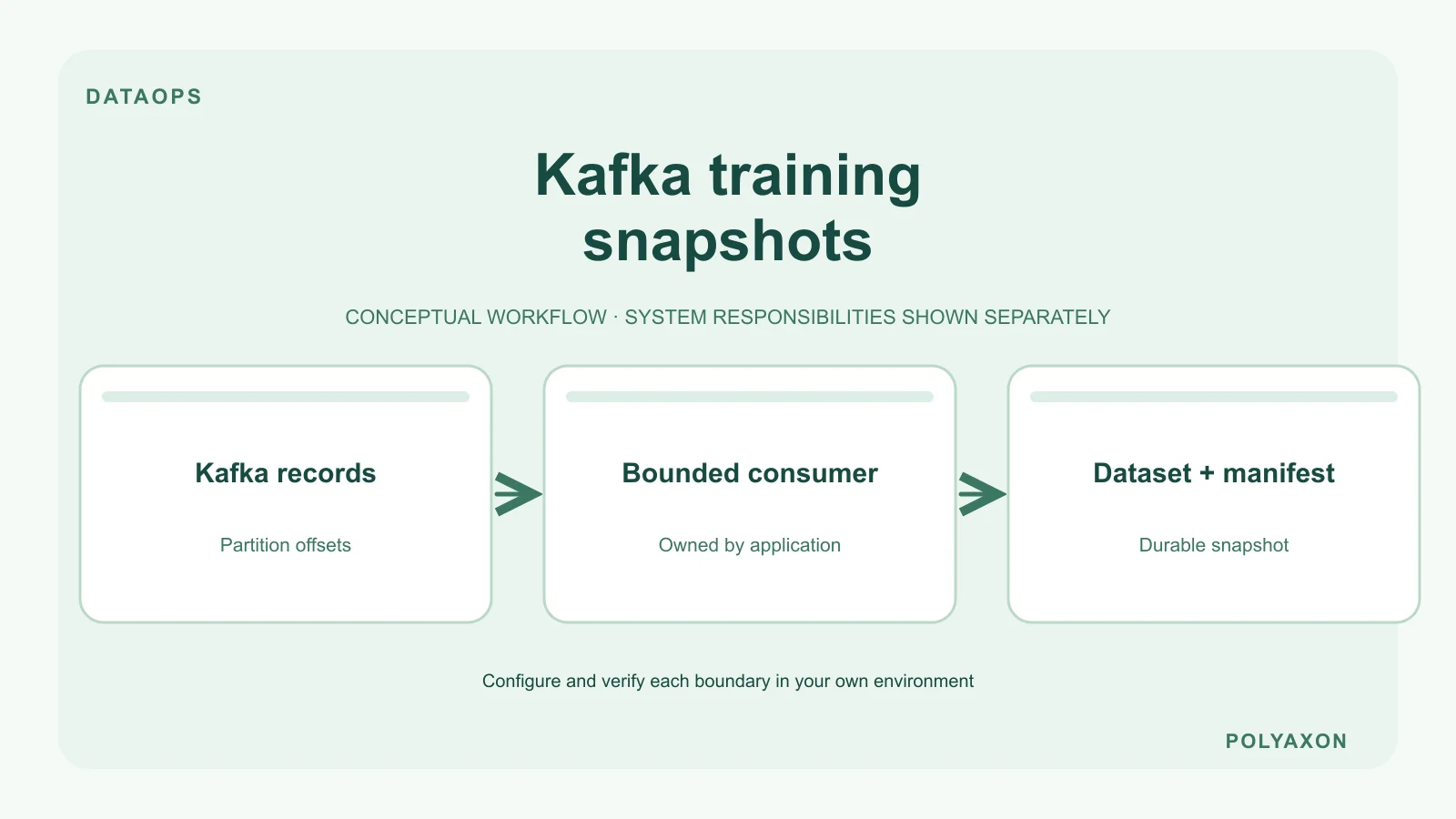
For training, define a finite input window rather than allowing the consumer to follow the topic indefinitely. Record the topic, partition ID, inclusive start offset, exclusive end offset, schema version, and destination dataset URI for every partition. Capture end offsets before consumption starts so new records do not move the boundary. Your consumer should stop successfully after writing the selected window to durable storage.
Package that consumer as a Polyaxon job. Pass the window and output location as component inputs, and record them with the run's parameters and artifacts. A downstream training operation can then read the resulting snapshot through an S3 data connection or another configured store.
Write an offset manifest beside the data with record counts and output checksums. Publish the snapshot only after all partitions complete, so a partial directory cannot look finished. Keep the snapshot if you need reproducibility beyond Kafka's retention period. Recording offsets alone does not preserve the underlying records after they expire.
Handle restarts and continuous consumption
For a conventional consumer group, acknowledge an input window only after its output is durably written. Make output writes safe to repeat: a restart between writing data and committing offsets can replay records. Kafka transactions do not automatically make writes to an unrelated object store atomic; see Kafka's delivery semantics.
A continuous consumer also needs lag monitoring, graceful shutdown, and a deliberate restart policy. It does not need a public HTTP endpoint merely because it is long-running. Choose its lifecycle and resource limits explicitly, and keep broker administration separate from individual ML runs.
Troubleshooting
- Bootstrap connects, then reads fail: inspect the broker addresses advertised to the client and the namespace's network policy.
- Authorization failures: check both topic access and consumer-group permissions, as well as the mounted credentials.
- Replayed or missing records: review offset commits, output deduplication, retention, and the boundaries saved for the run.
- A training run never finishes: confirm that its input window is bounded and that the consumer exits after writing it.
Use run logs for application errors and your Kafka monitoring for broker health and consumer lag.