Combine run filters with AND and OR
Use OR to combine metric thresholds, negated conditions, and independent groups of filters in Polyaxon queries.
If you already use Polyaxon Query Language (PQL), you can match several values with | and combine conditions with a comma:
status:building | running, kind:jobThis selects jobs whose status is building or running. The pipe gives one field a list of acceptable values; the comma requires both conditions to match. These familiar shortcuts remain the simplest way to express that search.
Polyaxon 2.13 added OR between complete conditions and parentheses for grouping. You can now combine alternatives across fields, give each condition its own comparison or negation, and join entire groups of filters. A value list followed by comma-separated requirements could not express those relationships.
The AND keyword has the same meaning as the existing comma. It makes the structure easier to read when a query contains several groups; OR is what lets those groups express alternative ways to match a run.
To try the examples below, enter a query in the search field of a project's runs table. For the equivalent CLI commands, use your configured, authenticated Polyaxon CLI and replace YOUR_ORG/YOUR_PROJECT with that project. Quote the query so your shell passes its operators and parentheses to Polyaxon.
Shortlist runs that meet either quality threshold
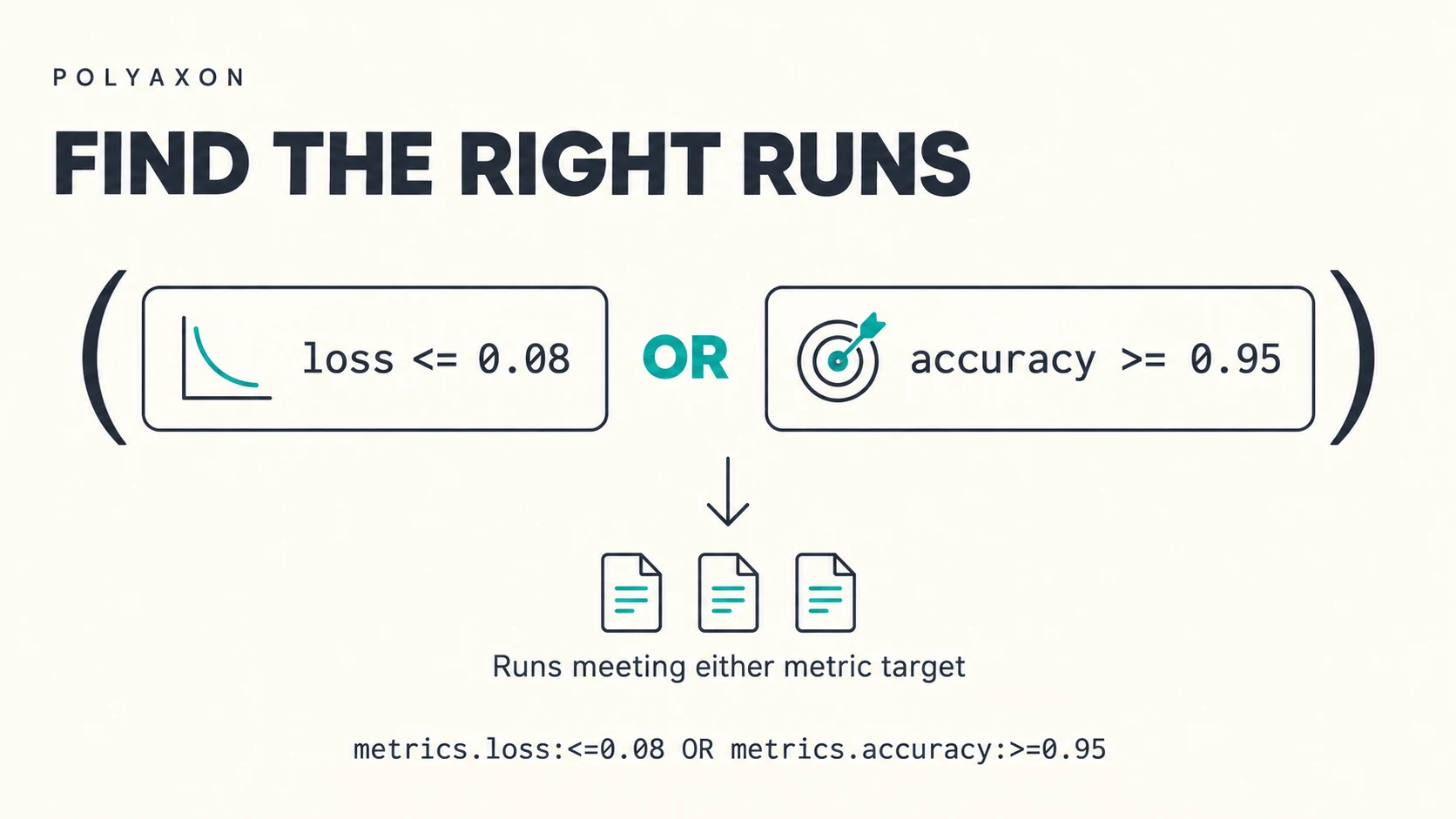
Suppose you want to review successful experiments with loss at or below 0.08 or accuracy at or above 0.95:
status:succeeded AND kind:job AND (metrics.loss:<=0.08 OR metrics.accuracy:>=0.95)Both the status and kind are required. Inside the group, either metric condition is enough; runs meeting both conditions also match.
polyaxon ops ls --project YOUR_ORG/YOUR_PROJECT \
  --query "status:succeeded AND kind:job AND (metrics.loss:<=0.08 OR metrics.accuracy:>=0.95)" \
  --io
The --io option includes inputs and outputs in the CLI table so you can inspect the logged values. Replace loss, accuracy, and the thresholds with the metric names and targets your workload uses. These filters compare logged metrics; the example does not calculate new scores.
If your shortlist requires both quality targets, replace the OR inside the parentheses with AND.
Combine negated conditions with OR
Suppose you want to inspect every failed job, plus jobs that have not succeeded and have recorded a loss above 0.5:
kind:job AND (status:failed OR (status:~succeeded AND metrics.loss:>0.5))The first branch includes every failed job, even one that failed before logging a loss. The second branch combines a negated status condition with a metric threshold. A job that has not succeeded must meet that threshold unless it already qualifies through the failed branch.
Here, ~succeeded means the status is not succeeded. It can include stopped jobs as well as running ones; it does not mean only active jobs.
polyaxon ops ls --project YOUR_ORG/YOUR_PROJECT \
  --query "kind:job AND (status:failed OR (status:~succeeded AND metrics.loss:>0.5))" \
  --io
Each side of OR keeps its own operators. This is different from negating a value list: status:~succeeded | failed | stopped excludes all three listed statuses. Putting a ~ on an individual item inside a value list does not give that item an independent negated condition.
Combine different workload conditions
A project can contain experiments and interactive services. To review failed jobs alongside services that are still running, give each workload its own group:
(kind:job AND status:failed) OR (kind:service AND status:running)This selects either a failed job or a running service. A running job does not qualify, and neither does a failed service: each branch has its own pair of requirements.
Using two value lists would broaden the search:
kind:job | service, status:failed | runningThat also accepts running jobs and failed services. The grouped OR query preserves the specific kind-and-status pairings you want.
polyaxon ops ls --project YOUR_ORG/YOUR_PROJECT \
  --query "(kind:job AND status:failed) OR (kind:service AND status:running)" \
  --sort "-updated_at"
You can use this view to inspect failed experiment runs and check which notebook or development services are still active. The list command only retrieves matching runs.
Make grouping explicit
PQL evaluates AND before OR. Consider this query:
status:succeeded AND metrics.loss:<=0.08 OR metrics.accuracy:>=0.95The query means:
(status:succeeded AND metrics.loss:<=0.08) OR metrics.accuracy:>=0.95Any run meeting the accuracy threshold can match, regardless of its status. To require success for either metric target, group the alternatives:
status:succeeded AND (metrics.loss:<=0.08 OR metrics.accuracy:>=0.95)The same grouping works with the familiar comma:
status:succeeded, (metrics.loss:<=0.08 OR metrics.accuracy:>=0.95)Keep using | for a field's value list and commas for shared requirements. Add OR when your search needs alternative conditions or groups, and use parentheses to keep those alternatives together. See the PQL reference, available run fields, and operations CLI reference for more filters and display options.