Evaluate a SageMaker endpoint from Polyaxon
Call an existing SageMaker endpoint from a Polyaxon job and retain model-specific predictions and evaluation results.
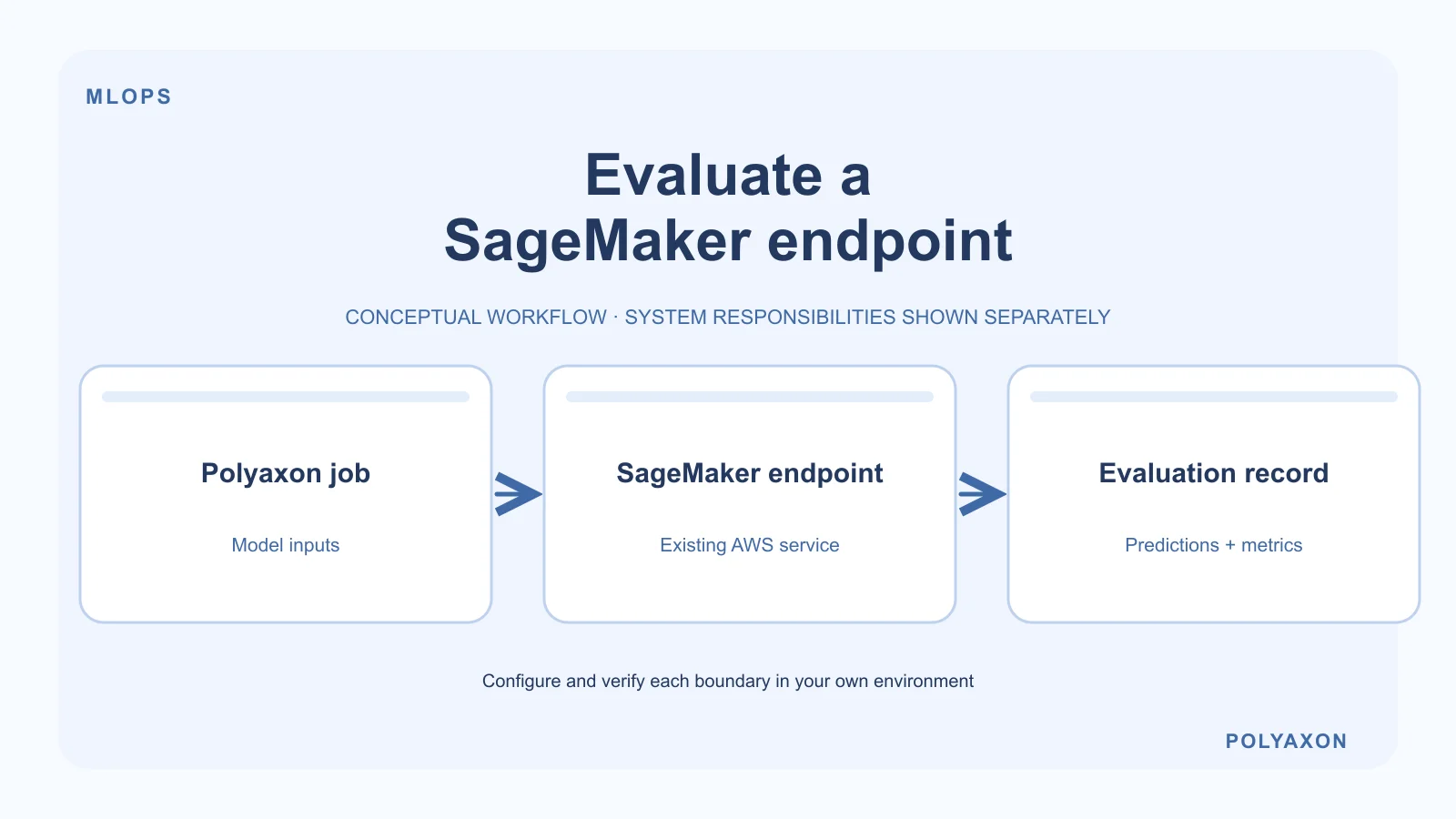
Use a Polyaxon job to evaluate or consume a model hosted on an existing Amazon SageMaker endpoint. Your job prepares requests, calls the AWS API, and records the results. SageMaker continues to own the endpoint's compute, deployment, and billing.
This is an SDK-based connection to an external service, not a Polyaxon-managed SageMaker endpoint. It is useful when your evaluation pipeline runs in Polyaxon but a model must stay in AWS-managed hosting.
Prerequisites
- A deployed endpoint, its name, and its AWS Region.
- The exact request and response formats accepted by that model.
- Network access from the Polyaxon workload to the SageMaker Runtime API, including any private endpoint routing your AWS environment requires.
- An AWS identity authorized for
sagemaker:InvokeEndpointon the intended endpoint. - A workload image containing a pinned, compatible version of Boto3.
Prefer the workload identity configured by your platform team. Boto3 supports several credential providers; do not embed access keys in a Polyaxonfile or application image. AWS credentials and Polyaxon authentication are separate. A configured S3 data connection does not by itself grant permission to invoke a SageMaker endpoint.
Call an existing endpoint
For a JSON-speaking endpoint, place a valid model-specific request in request.json. Set AWS_REGION and SAGEMAKER_ENDPOINT_NAME in your workload configuration, then run this script in the container:
import os
from pathlib import Path

import boto3

runtime = boto3.client("sagemaker-runtime", region_name=os.environ["AWS_REGION"])
response = runtime.invoke_endpoint(
    EndpointName=os.environ["SAGEMAKER_ENDPOINT_NAME"],
    ContentType="application/json",
    Accept="application/json",
    Body=Path("request.json").read_bytes(),
)
body = response["Body"]
try:
    Path("prediction.json").write_bytes(body.read())
finally:
    body.close()
This example uses the SageMaker Runtime API. JSON is not a universal SageMaker model schema: change the payload and content type to match your endpoint. Calls use the caller's AWS credentials and can incur AWS charges.
Package the script and input handling in a Polyaxon job. The snippet illustrates one API call; it does not calculate evaluation metrics or upload prediction.json. Add those steps for your model and dataset. Preserve predictions in your configured artifacts location rather than leaving the only copy in a container-local directory. Record the endpoint, model or deployment revision, dataset version, and evaluation metrics with Polyaxon tracking. Avoid logging sensitive request bodies or predictions unnecessarily.
Keep the two lifecycles explicit
Stopping the calling job is not an endpoint deletion policy. Manage endpoint creation, updates, scaling, and cleanup through your AWS deployment process. If your application also submits SageMaker training or batch jobs, implement their status polling, failure propagation, and cancellation deliberately; an accepted AWS request does not mean the remote work completed.
For failures, distinguish permission errors, a wrong Region or endpoint name, model-specific payload errors, and throttling. Use bounded retries where appropriate, limit parallel requests to your endpoint's capacity, and inspect both the Polyaxon run logs and the AWS-side service diagnostics.
If you are choosing where to run the workload rather than connecting two existing systems, see Polyaxon and SageMaker compared.