Serve a TensorFlow SavedModel with Polyaxon
Package a versioned SavedModel with TensorFlow Serving and run its REST endpoint as a Polyaxon service.
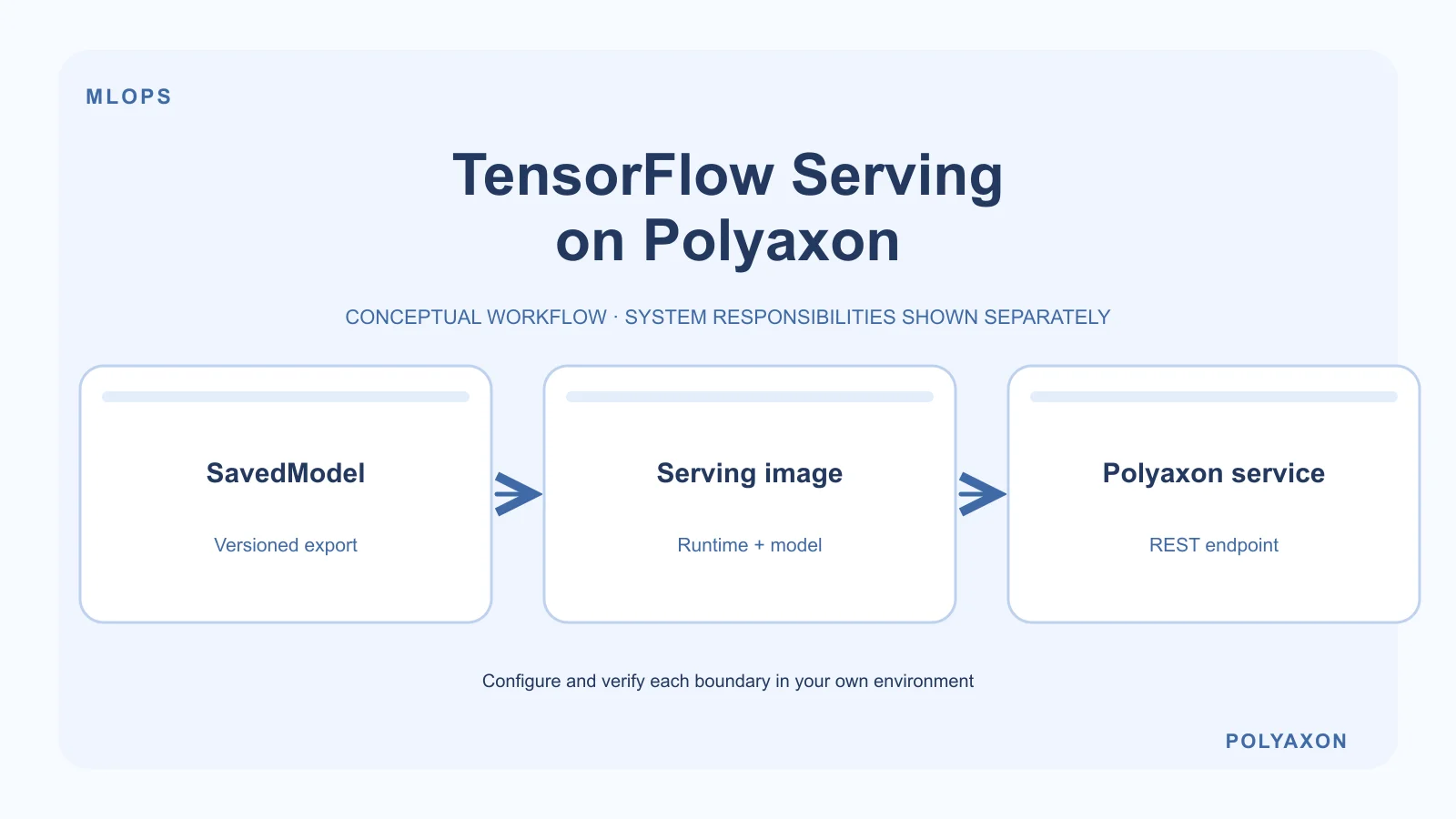
Deploy a TensorFlow SavedModel as a Polyaxon service using TensorFlow Serving. Polyaxon schedules the serving container and exposes its service URL; TensorFlow Serving loads the model and handles prediction requests.
Use this workflow for a model endpoint on your Polyaxon cluster. If your platform already manages inference through a KServe installation, use the KServe integration guide instead.
Package a versioned model
Export and validate a SavedModel compatible with your selected serving runtime. TensorFlow Serving expects model versions in numbered directories beneath the model's base directory. For a small model, an immutable image can keep the runtime and model release together.
Place the SavedModel files in saved_model/ beside this Dockerfile. Supply a tested tensorflow/serving image tag or digest as the TF_SERVING_IMAGE build argument; there is deliberately no unpinned default.
ARG TF_SERVING_IMAGE
FROM ${TF_SERVING_IMAGE}
COPY saved_model/ /models/model/1/
ENV MODEL_NAME=model
The resulting layout must contain /models/model/1/saved_model.pb and any variables or assets required by the export. Build and publish this image through your normal image workflow. See TensorFlow Serving's Docker guide for the runtime's directory and environment conventions.
For large or restricted models, use an authenticated artifact-initialization or volume workflow instead of embedding the model. Make the same versioned directory available before the server starts, and keep storage credentials out of the image.
Schedule the REST service
Replace the example image below with your published model image. This CPU-oriented wrapper uses the runtime's REST port and removes Polyaxon's service prefix before forwarding requests:
name: tensorflow-serving
service:
  ports: [8501]
  rewritePath: true
container:
  image: registry.example.com/ml/tensorflow-serving:validated
Save it as tensorflow-serving.yaml, then submit it and retrieve the external service URL:
polyaxon run -f tensorflow-serving.yaml
polyaxon ops service --external --url
Use the returned URL including its service path, not just the Polyaxon hostname. For deployments requiring Polyaxon authentication, send your authorized session or token as described in the service authentication example.
Check readiness and predictions
Append /v1/models/model to the service URL to inspect model status. A running container alone does not prove the model loaded successfully. Once the intended version is available, send a model-specific request to /v1/models/model:predict using the TensorFlow Serving REST API.
Check the SavedModel signature, input names, tensor shapes, and data types before constructing the request. There is no single prediction payload that works for every TensorFlow model. Compare a known request against its expected result before directing other applications to the endpoint.
Operate the endpoint
- Pin the model and runtime release, set CPU and memory requirements, and measure capacity with representative requests.
- Preserve the previous model image or artifact version for rollback; do not overwrite a shared model directory during startup.
- Keep access controlled and configure TLS and network policy for the intended callers.
- Inspect run logs for loading failures. For unavailable models, check directory layout, file permissions, and runtime compatibility before changing ingress settings.
The wrapper exposes HTTP REST only. It does not configure a separate public gRPC route, autoscaling policy, or production rollout strategy.