Prioritize GPU jobs without preempting running workloads
Give urgent GPU evaluations or notebooks higher Kubernetes scheduling priority without evicting running training Pods, and select the policy in Polyaxon.
An evaluation needs to finish before a model release, but every GPU is occupied by a long training run. You want the evaluation considered before more background jobs when capacity opens up. You also want the current training runs to continue.
Kubernetes supports that choice with a non-preempting PriorityClass: a higher priority for scheduling, with preemptionPolicy: Never. The incoming Pod waits for resources instead of evicting lower-priority Pods to make room.
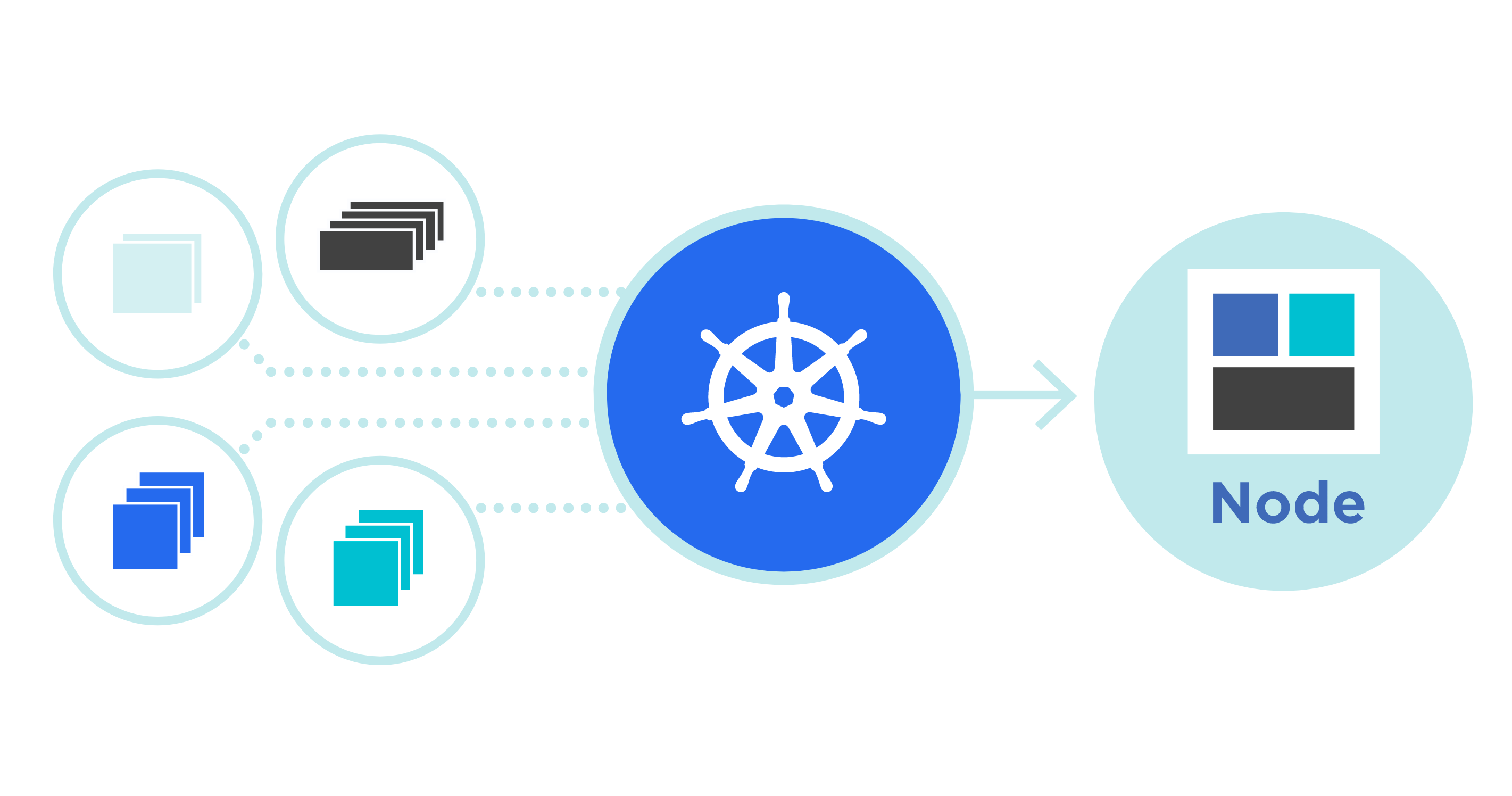
Separate scheduling priority from preemption
Priority affects which pending Pods the scheduler considers first. Preemption lets an incoming Pod displace lower-priority Pods when it cannot otherwise fit. These are separate decisions.
With preemptionPolicy: Never, an urgent evaluation can receive a higher priority while waiting for sufficient free resources. It does not stop an existing training Pod to obtain its GPU. If the evaluation still cannot fit, the scheduler can try other work; scheduler backoff means this is not a strict reservation of the next available GPU. The Pod priority documentation explains that behavior.
Non-preempting priority has been stable since Kubernetes 1.24. This walkthrough uses ordinary Pod priority, rather than the newer PodGroup APIs covered in our workload-aware preemption article.
Create the priority classes
A cluster administrator can define a class for background work and another for urgent work. Save this as ml-priorities.yaml:
apiVersion: scheduling.k8s.io/v1
kind: PriorityClass
metadata:
  name: ml-background
value: 1000
globalDefault: false
preemptionPolicy: Never
description: "Background ML workloads that wait for free capacity."
---
apiVersion: scheduling.k8s.io/v1
kind: PriorityClass
metadata:
  name: ml-urgent-no-preempt
value: 10000
globalDefault: false
preemptionPolicy: Never
description: "Urgent ML workloads that must not preempt running Pods."
The numbers express relative ordering: 10000 is higher than 1000. Both classes explicitly disable preemption. Leaving that field out would use the PreemptLowerPriority default. globalDefault: false means workloads select these classes explicitly rather than changing the cluster's default. These fields are defined in the PriorityClass API.
PriorityClasses belong to the cluster, not a namespace. Create them on the Kubernetes cluster where the GPU workloads run:
kubectl config current-context
kubectl create -f ml-priorities.yaml
This assumes the names are new and your account can create PriorityClasses. If an administrator already manages equivalent classes, use those names instead.
Select the class in Polyaxon
For an existing Polyaxon job component, add priorityClassName to its workload environment:
environment:
  priorityClassName: ml-urgent-no-preempt
This is a fragment to merge into the component. Keep its container, command, GPU requests, data access, and other environment settings. Use ml-background for background jobs.
For example, the training component in our PyTorch tuning tutorial already requests one GPU. Add the background class to that component for routine trials; choose the urgent class for a time-sensitive confirmation run. The same environment setting can be used with a notebook service when an interactive session should receive higher scheduling priority.
Create the class on each Kubernetes cluster whose Polyaxon agent will use it. A class on one agent's cluster does not configure another cluster.
Polyaxon also has queue priority. The two controls act at different stages:
| Control | What it affects |
|---|---|
| Polyaxon queue priority | How operations from queues under an agent are dispatched to Kubernetes |
| Kubernetes PriorityClass | How the scheduler considers Pods that have reached the cluster |
In Polyaxon's commercial deployments, queues also apply concurrency and resource quotas. An operation still waiting for its queue's capacity has no Pod for Kubernetes to prioritize.
If your platform has configured an urgent GPU queue, submit an existing evaluation operation to it after adding the class to its component:
polyaxon run --project=acme/evaluations \
  -f evaluation.yaml \
  --queue=research/urgent-gpu
evaluation.yaml is your existing operation, not an additional file supplied by this article. Replace the project and agent/queue names with your own. Give that queue an appropriate priority as well if the operation should be dispatched before background work.
Inspect the policy on the actual Pod
Replace ml-team with the namespace used by the agent:
kubectl get priorityclass ml-background ml-urgent-no-preempt -o yaml

kubectl get pods --namespace ml-team \
  -o custom-columns='NAME:.metadata.name,CLASS:.spec.priorityClassName,PRIORITY:.spec.priority,PREEMPTION:.spec.preemptionPolicy,PHASE:.status.phase'
For the urgent workload, inspect the class name, resolved priority 10000, and Never policy on the created Pod. For a particular pending Pod, read its scheduling events:
kubectl describe pod POD_NAME --namespace ml-teamIf every eligible GPU is occupied, waiting is the intended outcome. A class cannot satisfy an incompatible node selector, missing toleration, or insufficient CPU and memory. Use the Pending GPU job guide to investigate those constraints.
One distinction matters when choosing the policy: Never controls whether this Pod can preempt other Pods. It does not make the Pod immune to preemption by a higher-priority workload or to other eviction paths.
For a temporary exercise, stop the operations that use these classes before removing the classes you created:
kubectl delete -f ml-priorities.yamlKeep shared production classes in the platform's managed configuration. Deleting a class leaves existing Pods unchanged, but new Pods that reference the missing class are rejected.