Design tenant isolation for AI execution in Polyaxon
Connect Polyaxon projects, access controls, compute queues, workload identities, and connection catalogs into a practical tenant isolation design.
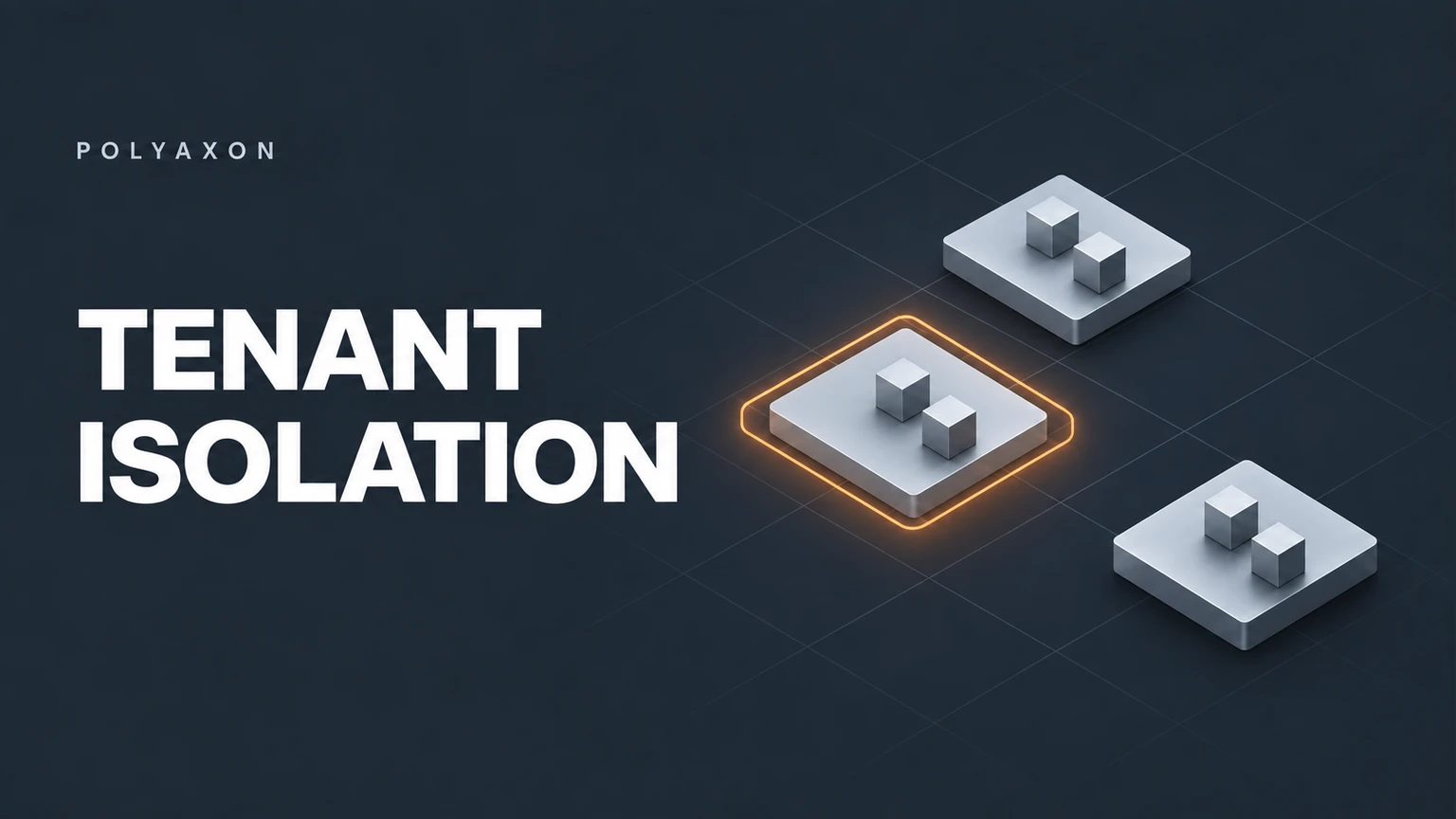
Polyaxon can give several teams a shared interface for experiments, pipelines, notebooks, and agent execution while routing their work to different compute environments. That is useful when a platform team wants one place to manage runs without giving every workload the same credentials or data access.
A tenant isolation design should connect the platform's project permissions to the workload's execution authority. A project organizes access to runs and artifacts. A queue selects a compute destination and scheduling limits. A Kubernetes service account identifies the pod. A connection exposes an external resource. Each contributes to isolation, and each needs configuration that matches the same team or customer boundary.
Consider two teams evaluating coding agents against private repositories. Both need the same reusable evaluation component, but they should receive different repositories, storage credentials, compute quotas, and access to the resulting reports.
Start with project and automation permissions
Use Polyaxon RBAC to decide who can access each project's runs, experiments, and artifacts. Organize users into teams where that reflects ownership, and review organization-level roles as well as project membership. A narrow project assignment does not remove broader privileges already granted at another level.
For automated submissions, Polyaxon commercial service accounts provide scoped API access that is independent of an employee's token. Their tokens inherit the account's scopes, can have expiration settings, and link activity back to the account. Configure those scopes explicitly when creating the account.
An application serving external customers should resolve the Polyaxon project from authenticated server-side state. A prompt, uploaded configuration, or model-generated tool argument must not choose another customer's project or queue. Record a non-sensitive task identifier so the application request can be traced to its Polyaxon run.
Route each project to approved compute
In Polyaxon EE and Cloud, administrators can create queues, set a project's default queue, and restrict the queues accessible by that project. Queues support concurrency and resource quotas, and the associated compute agent routes operations to its namespace or cluster.
For the private repository example, create a queue for each team, assign the intended namespace or cluster through the compute-agent setup, and configure quota and concurrency values deliberately. Defaults do not establish a tenant budget.
Use a separate cluster for a tenant or trust class when its requirements exceed the isolation available on shared nodes. Namespaces organize Kubernetes resources; they do not introduce a separate kernel. Likewise, a queue's name or priority is not evidence of a hardened runtime. The cluster still needs the appropriate network, admission, storage, and node policies.
Keep workload identity and connections tenant-specific
A Polyaxon API service account and a Kubernetes service account solve different problems. The first authenticates the automation submitting work. The second controls the pod's Kubernetes identity and may participate in your cloud workload identity configuration.
This preset illustrates the workload side for a team called Acme:
environment:
  serviceAccountName: acme-evaluation
connections:
  - acme-repository
  - acme-evaluation-data
termination:
  timeout: 1800
  maxRetries: 0
The names refer to a service account and connections configured by your administrators. Apply this file to the shared component:
polyaxon run -p acme-agent-evaluations -f evaluate-agent.yaml -f presets/acme.yamlThe project's default queue supplies the compute destination. For the second team, keep the evaluation component and change the project and approved preset.
The connections setup supports separate connection catalogs per namespace. Polyaxon checks referenced job connections against the project's context and the submitting user's access before resolving their secrets, volumes, and configuration. Use those controls and separate catalogs when teams should access different resources.
Also enforce the boundary in the external system: database permissions, object-store IAM, and repository access must limit what the attached credential can read or write. A tenant-specific storage prefix alone does not authorize access.
Include artifacts and interactive access in the design
Evaluation reports, generated patches, logs, and notebook outputs can contain tenant data. Configure the artifacts store for each compute environment, then check the storage credential's scope and the access paths that bypass the Polyaxon UI. Project permissions cannot compensate for a shared storage credential distributed outside the platform.
For sandbox-enabled runs, Polyaxon routes interactive access through authenticated project permissions. Review the sandbox access model before exposing additional ports or debug services. Outbound network access is controlled by the deployment's networking policies, so test access to other tenants' services explicitly.
Your application must also partition browser sessions, retrieval indexes, caches, and restored workspace data by authorized context. Those resources do not become tenant-aware merely because their initiating runs belong to different projects.
Review isolation with two concrete tenants
Create two synthetic projects with distinct data, credentials, and network endpoints. Verify that their approved submission identities can access only the intended projects and queues, and that their workloads cannot reach the other tenant's resources. Include artifacts, interactive sessions, retries, and terminated runs in the exercise.
Keep the redacted findings with the corresponding Polyaxon runs and compare them after changes to identity, connections, storage, or compute routing. That makes isolation an inspectable property of the configured platform rather than an assumption attached to a project name.